Kelvo help
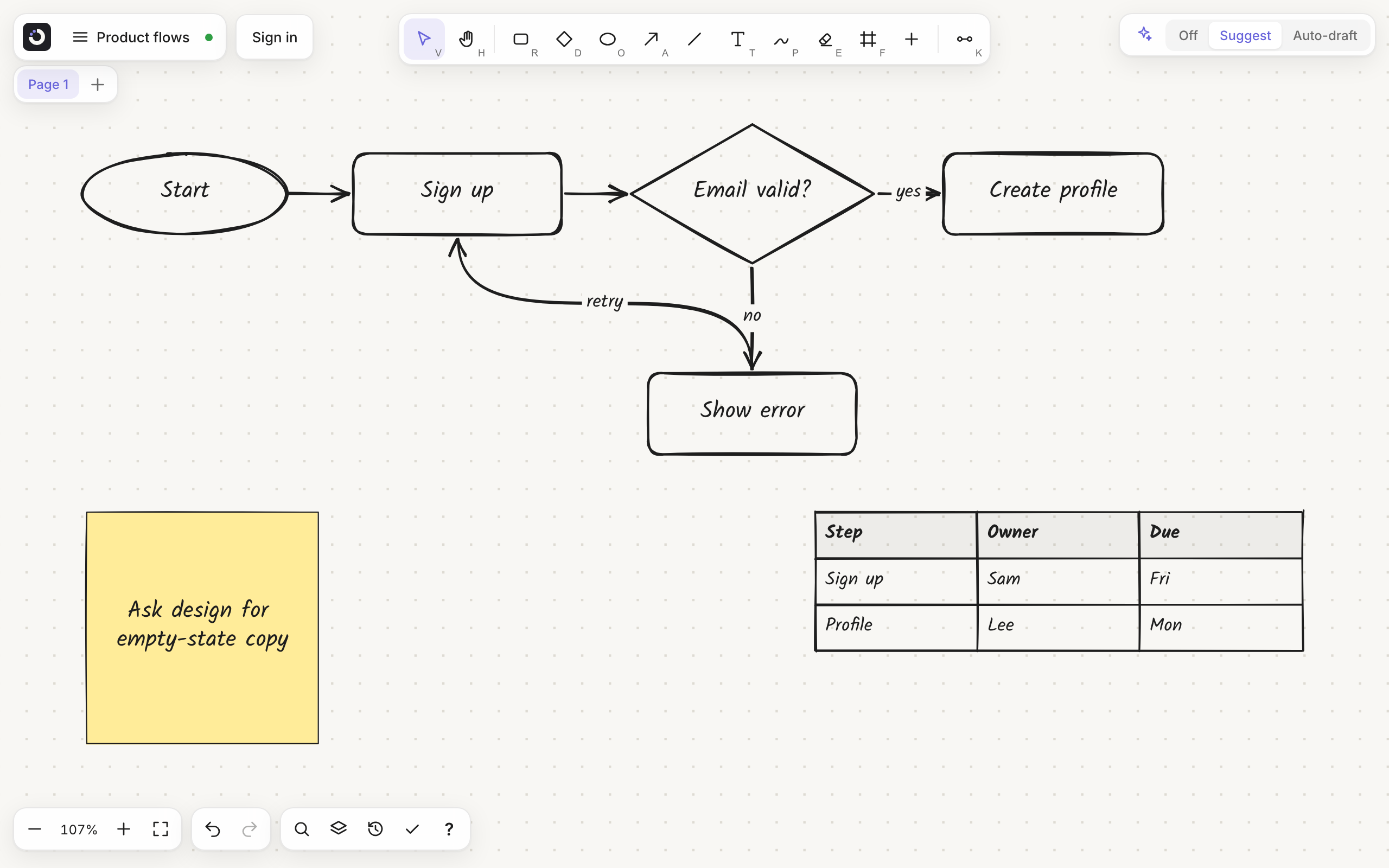
Kelvo is a hand-drawn whiteboard. You draw boxes, link them by dragging, and when you pause, Smart Assist drafts the next step in dashed lines. Press Tab to keep it. Boards are saved on your device and the app works offline.
User guide
Read these in order the first time; each page also stands on its own.
- Getting started: open the app, draw your first flowchart, turn on Smart Assist
- The canvas: the screen layout, moving around, selecting
- Drawing: shapes, the pen and hold-to-snap, the eraser, text, rich text, styles
- Linking boxes: every way to connect boxes, editing links, adding the next box
- Content: sticky notes, tables, code blocks, images, mind maps, frames
- Smart Assist: ghost suggestions, Auto-draft, completion, Improve, checks, @kelvo requests, Make diagram, Convert sketch
- Organising a board: pages, layers, groups, locking, order, search, version history
- Presenting: frames as slides, the laser pointer
- Boards, files and offline: your board list, saving, import and export, installing the app
- Accounts and plans: guest use, free accounts, AI limits
- Privacy: what stays on your device and what Smart Assist sends
- Troubleshooting: common problems and fixes
- Kelvo in your AI coding tools: diagrams of your code from Claude Code, Codex, Copilot, Cursor, OpenCode and other MCP tools
- Teams: one plan and one bill for several people, with shared boards, comments and team templates
Reference
Conventions in this help
- Shortcuts are written for macOS. On Windows and Linux, use Ctrl for ⌘ and Alt for ⌥.
- "Box" and "node" mean the same thing: a rectangle, diamond or ellipse that can have a label and links.
- Screenshots come from the real app. The boards in them are examples.