Presenting
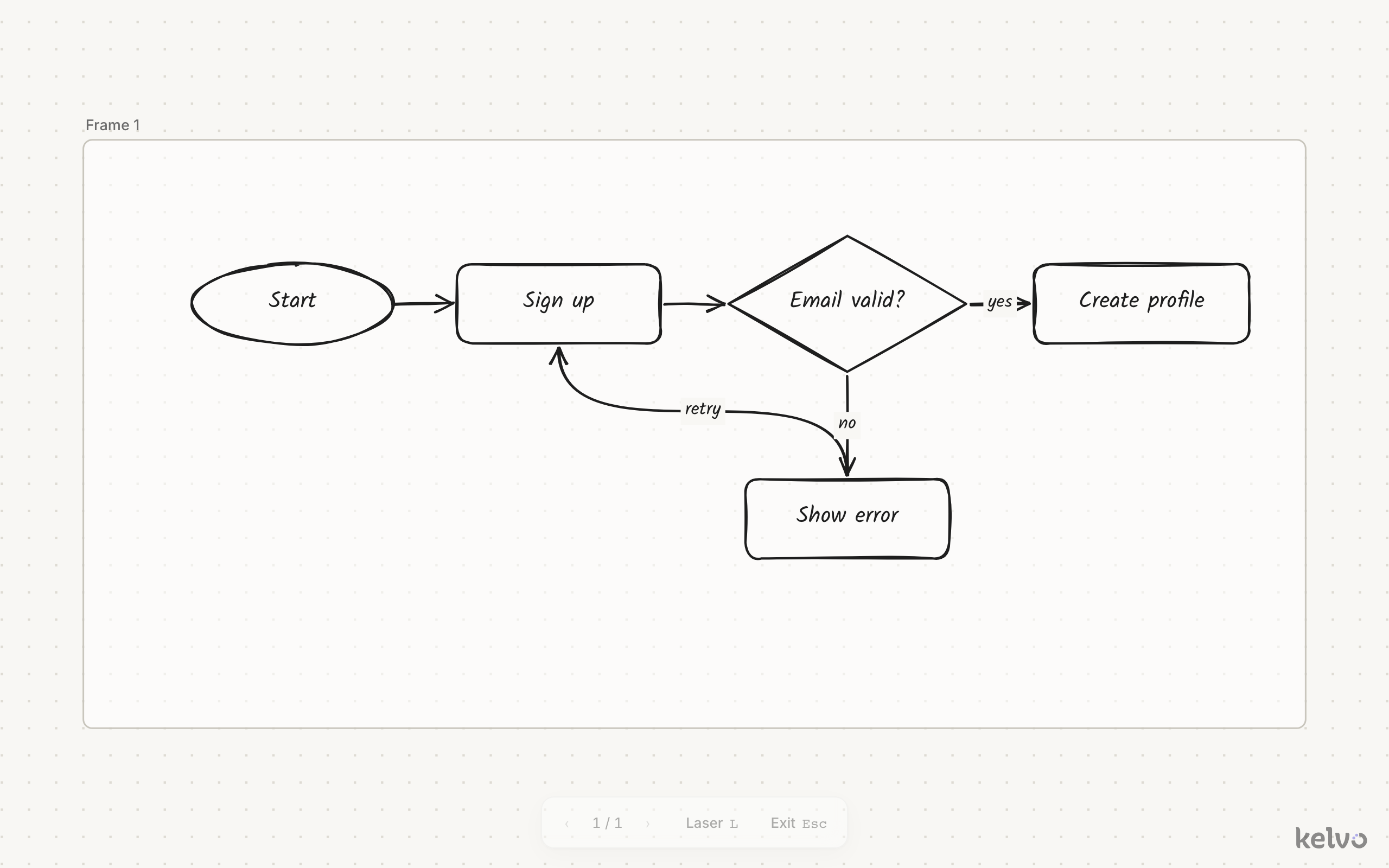
Frames double as slides. Draw frames around the parts of your board you want to show, then present them in order.
Make slides
- Press F and drag around an area (or click for a 16:9 frame).
- Double-click a frame's name to rename it.
Slides run top to bottom, then left to right: frames in roughly the same row are ordered left to right.
Present
Open the command palette (⌘K) and run Present frames as slides. Kelvo goes full screen, hides the editor controls, and fits each frame to the screen.
| To | Do this |
|---|---|
| Next slide | →, ↓, Space, Page Down, Enter, or click |
| Previous slide | ←, ↑, Page Up, Backspace, or Shift+click |
| First or last slide | Home or End |
| Stop | Esc, or Exit in the bar at the bottom |
Press L, or click Laser in the bar at the bottom, to turn your pointer into a laser: it leaves a short red trail that fades, so you can point at things. Every presentation starts with it off. When you stop, the board returns to where you were.
If the page has no frames, Kelvo reminds you to add some with F.