Product backlog template
A ranked backlog with type, estimate and readiness, plus backlog health and the next refinement session.
Use this templateFree, opens in your browser. No sign-up.
What's on the board
- Backlog health
- Ready: 23 pts, less than one sprint — refine items 5–6 · Velocity: 32–36 pts per sprint · Items 8–9 are epics: split before they move up
- Refinement · Wed 14:00
- Split 'Multi-currency invoices' into stories · Estimate items 5–6 · PO brings dunning research
Table columns: Rank, Backlog item, Type, Points, Status.
Also on the board
- Top = most valuable and most detailed. Anyone can add items; only the product owner…
How to use this template
- Click Use this template. It opens in the Kelvo app as a new board, saved in your browser.
- Double-click any box to change its text. Replace the examples with your own content.
- Add notes fast. Press S for a sticky note in the middle of your view. A sticky is a box like any other: link it, recolour it, resize it.
- Move cards between columns. Drag a sticky into another column; select several with a drag box to move them together.
- Present it. Frames become slides when you present, and the laser pointer helps you walk people through the board.
Good for
- product backlog
- backlog refinement
- product owner
- prioritization
- scrum
- Running a retrospective or planning session
- Making the state of work visible on one board
- Agreeing on what “ready” and “done” mean
Related templates
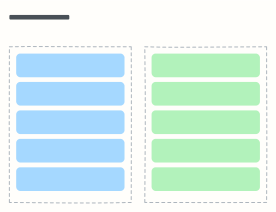 Definition of Ready & Done
The checklists a story must pass before the team takes it, and before anyone calls it done.
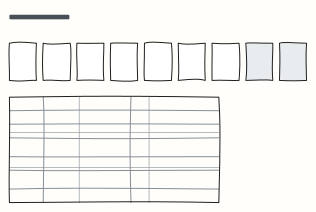 Story point estimation
Planning poker cards and a reference table of example stories per point value, so estimates stay consistent.
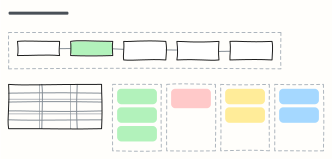 Sprint review
Run the sprint review: a timed agenda, planned vs done, what was demoed, stakeholder feedback and backlog changes.
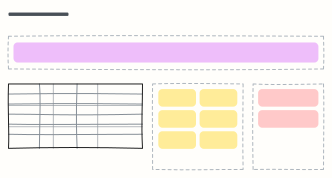 Sprint planning
Sprint goal, team capacity, the stories pulled in, and the risks — everything a sprint planning meeting needs.
 RICE prioritization
Score features by Reach, Impact, Confidence and Effort to rank a backlog with numbers instead of opinions.
 MoSCoW prioritization
Split a release's scope into Must, Should, Could and Won't-have-this-time so everyone agrees what ships.