Mind maps that arrange themselves
Start a mind map from the Insert menu, or turn any box on your board into the centre of one. Add branches from the keyboard and Kelvo keeps the layout tidy while you think.
Start drawing, freeNo sign-up. Works in your browser.
Build it from the keyboard
- Tab adds a branch to the selected node; ⌘↵ adds a sibling.
- Branches arrange themselves on both sides of the centre and slide into place.
- Dragging the centre moves the whole map.
- To move a branch, drag it over another node, hold until the ring appears, and let go.
- Links in a mind map are curved and have no arrowheads.
Part of a bigger board
A mind map lives on the same canvas as everything else: sticky notes, tables, code blocks, images and frames. Turn the automatic layout off by clicking Mind map again on the centre, and arrange the branches by hand. Mind maps in the help center.
Private and offline
Your mind maps are saved in your browser on your device and never uploaded. The app keeps working offline, which makes it handy for studying or planning on the move.
Start from a template
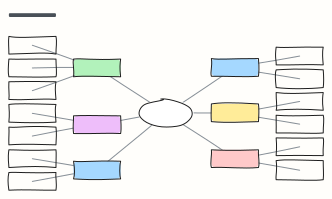 Mind map
A balanced mind map that keeps arranging itself as you add branches (Tab adds a branch).
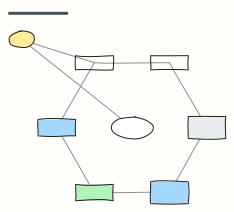 Concept map
Concepts linked by labelled relationships, shown with the water cycle — swap in any topic you're learning.
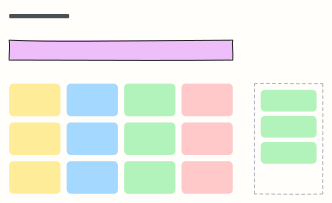 Brainstorm board
One question, a wall of idea stickies, and a spot for the top picks after dot voting.
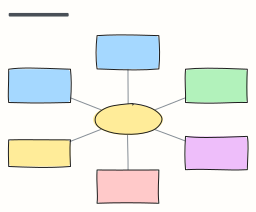 Starbursting (5W1H)
Stress-test an idea by asking Who, What, Where, When, Why and How before answering anything.
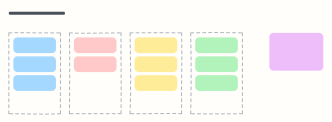 Affinity map
Cluster research notes or ideas into themes, then name each group and spot patterns.
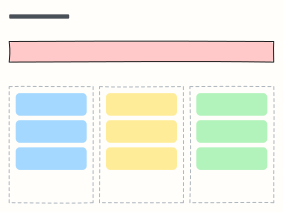 How might we
Turn research insights into “How might we…” questions, then into ideas worth testing.
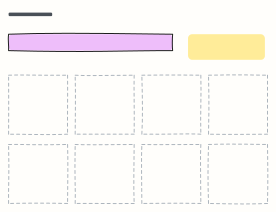 Crazy 8s
Sketch eight different ideas in eight minutes, one per frame, to get past the obvious first idea.
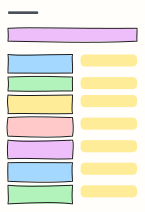 SCAMPER
Seven prompts (Substitute, Combine, Adapt, Modify, Put to another use, Eliminate, Reverse) to rethink a product.