Copy your board as Markdown, paste Markdown as a board
Select anything on a Kelvo board and copy it as Markdown: Claude, ChatGPT, a README or Notion get text they can read, with flowcharts as Mermaid. Paste Markdown the other way and it lands as headings, lists, tables and code blocks you can move around.
Start drawing, freeWorks in your browser, no account needed.
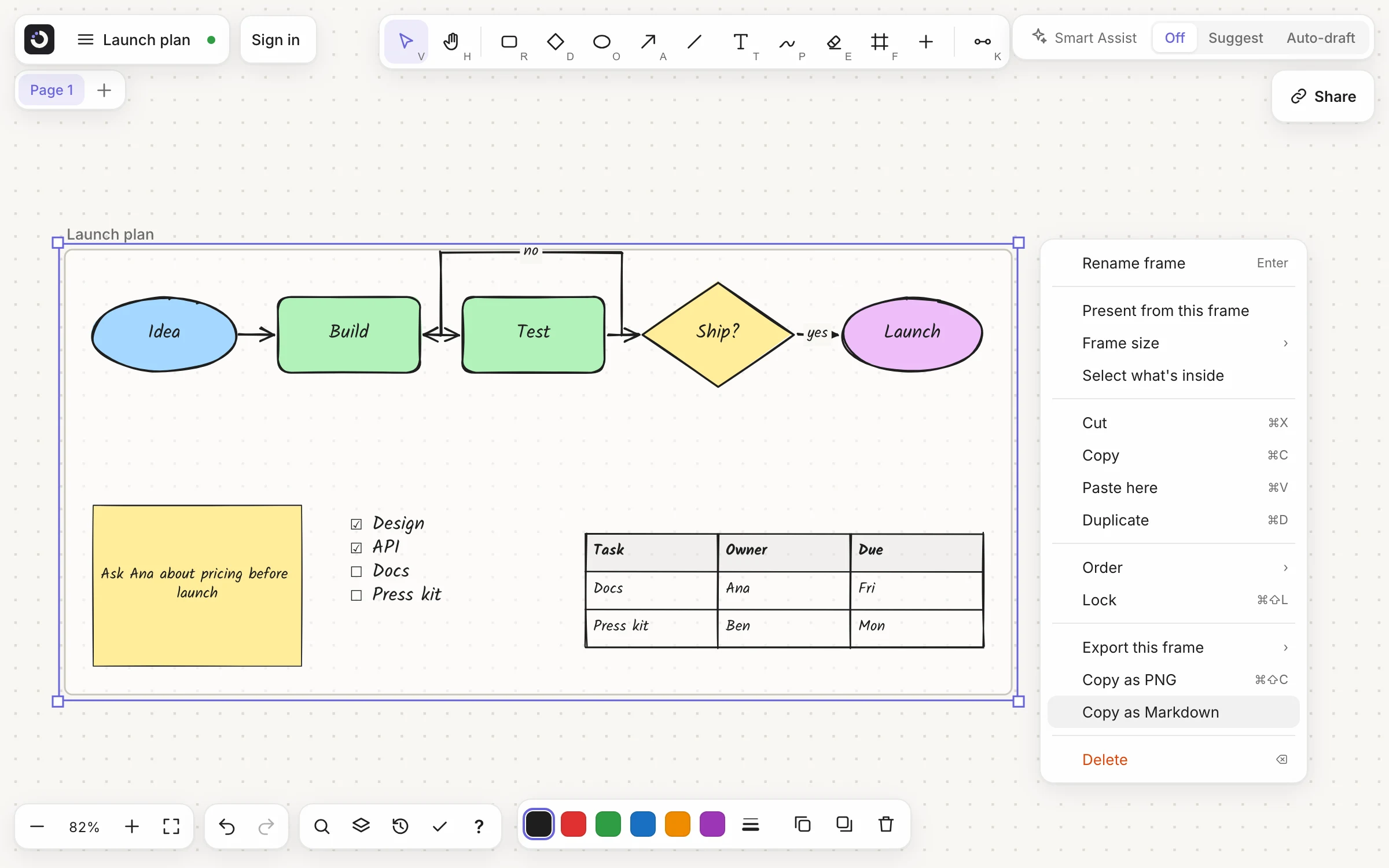
Copy as Markdown in two clicks
- Select what you want. A few boxes, a frame (it brings what's inside), or nothing at all for the whole page.
- Pick Copy as Markdown. It's in the right-click menu, in the board menu under Export, and in the command palette (⌘K).
- Paste it anywhere that takes text. A chat with an AI, a README, an issue or pull request, Notion, Obsidian, Slack.
What each item becomes
- Boxes joined by links: a Mermaid flowchart, with the shapes (decision diamonds included), the arrows and the link labels such as “yes” and “no”. It runs left to right or top to bottom, the way your board does.
- Mind maps: a nested list, each branch under its parent.
- Text: paragraphs, with bold, italic, lists and checklists kept. Large text becomes a heading.
- Tables, code blocks and sticky notes: Markdown tables, fenced code and quotes.
- Frames: a
##section each, with what's inside them.
Items are read in rows, top to bottom and left to right. Pictures and pen drawings have no Markdown, so they stay on the board, and Kelvo tells you how many were left out. Copying as Markdown in the help guide.
The board above, as Markdown
## Launch plan

```mermaid
flowchart LR
  n1(["Idea"])
  n2("Build")
  n3("Test")
  n4{"Ship?"}
  n5(["Launch"])
  n1 --> n2
  n2 --> n3
  n3 --> n4
  n4 -->|"no"| n2
  n4 -->|"yes"| n5
```

> Ask Ana about pricing before launch

- [x] Design
- [x] API
- [ ] Docs
- [ ] Press kit

| Task      | Owner | Due |
| --------- | ----- | --- |
| Docs      | Ana   | Fri |
| Press kit | Ben   | Mon |
GitHub and GitLab draw the mermaid block as a diagram in READMEs, issues and pull requests; Notion and Obsidian can too.
Then ask Claude or ChatGPT about it
An AI reads text far more reliably than a screenshot of boxes. Paste your board and ask what you'd ask a colleague looking at it:
- “What's missing from this plan?”
- “Write the launch announcement from this board.”
- “Turn the checklist and the table into tickets.”
Its answer comes back as Markdown, and that pastes straight onto the board.
Paste Markdown, get real items
Copy an answer from an AI chat, a README or your notes app and paste it on the board (⌘V). Instead of one text full of # and | symbols you get the board's own items, stacked in reading order and selected together:
- Headings as large bold text, paragraphs and lists as text, with bold and italic kept
- Tables as tables you can edit cell by cell
- Fenced code as code blocks with syntax colouring
- Quotes as sticky notes, and
---as a divider line
One undo takes the whole paste back. Plain text, a single list or source code still paste as one item. Everything you can paste.
It stays between you and your clipboard
Copying as Markdown and pasting Markdown both happen in your browser. Nothing is sent to Kelvo; the text goes where you paste it. Your boards are stored on your device. What Kelvo sends, and when.
Working in code?
With Pro+, Claude Code, Codex, Cursor and other coding tools can draw diagrams of your code themselves, straight into your repo, as a picture that still opens as a board. Diagrams from your code (MCP).
Coming next
Not built yet. Dashed means planned, as on the board.
- Mermaid import
- Paste a Mermaid flowchart and get its boxes and links, laid out, without asking the AI.
Questions
Is Copy as Markdown free?
Yes, on every plan, and it works without an account. So does pasting Markdown onto a board.
Does it work with Claude, ChatGPT and Gemini?
Yes. It's plain text on your clipboard, so it pastes into any chat. AI tools read Markdown tables, lists and Mermaid flowcharts well, which makes it easy to ask about a plan, a process or a diagram.
Can I copy just one part of a board?
Yes. Select the boxes, text or frame you want and right-click it. With nothing selected, Copy as Markdown copies the whole page. A frame brings everything inside it.
What happens to pictures and drawings?
They have no Markdown form, so they are left out, and Kelvo says how many. To share them as a picture, use Copy as PNG (with a free account).
If I paste the Markdown back, do I get the same board?
You get its text, lists, tables and code back as items, stacked in reading order, not the original layout. To copy a board's items exactly, between boards or tabs, use the normal Copy and Paste.
Start from a template
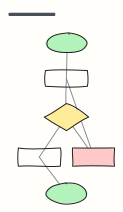 Basic flowchart
Start, steps, a decision with yes/no branches, and an end — the classic shape to build from.
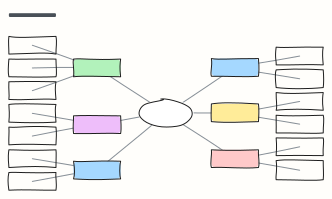 Mind map
A balanced mind map that keeps arranging itself as you add branches (Tab adds a branch).
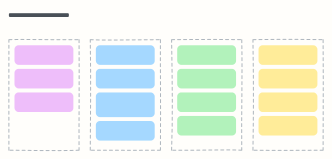 Feature launch checklist
Everything that has to happen before, on and after launch day, with an owner for each item.
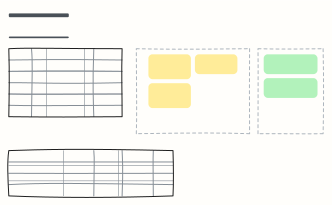 Meeting agenda, notes & actions
A timed agenda, live notes, decisions and an action list with owners — everything a meeting needs on one board.