A whiteboard for developers who think in boxes and arrows
In Kelvo, boxes and the links between them are real objects, so a system sketch is still editable after the meeting. It runs in your browser, works offline, and keeps every board on your own machine.
Start drawing, freeNo sign-up. Works in your browser.
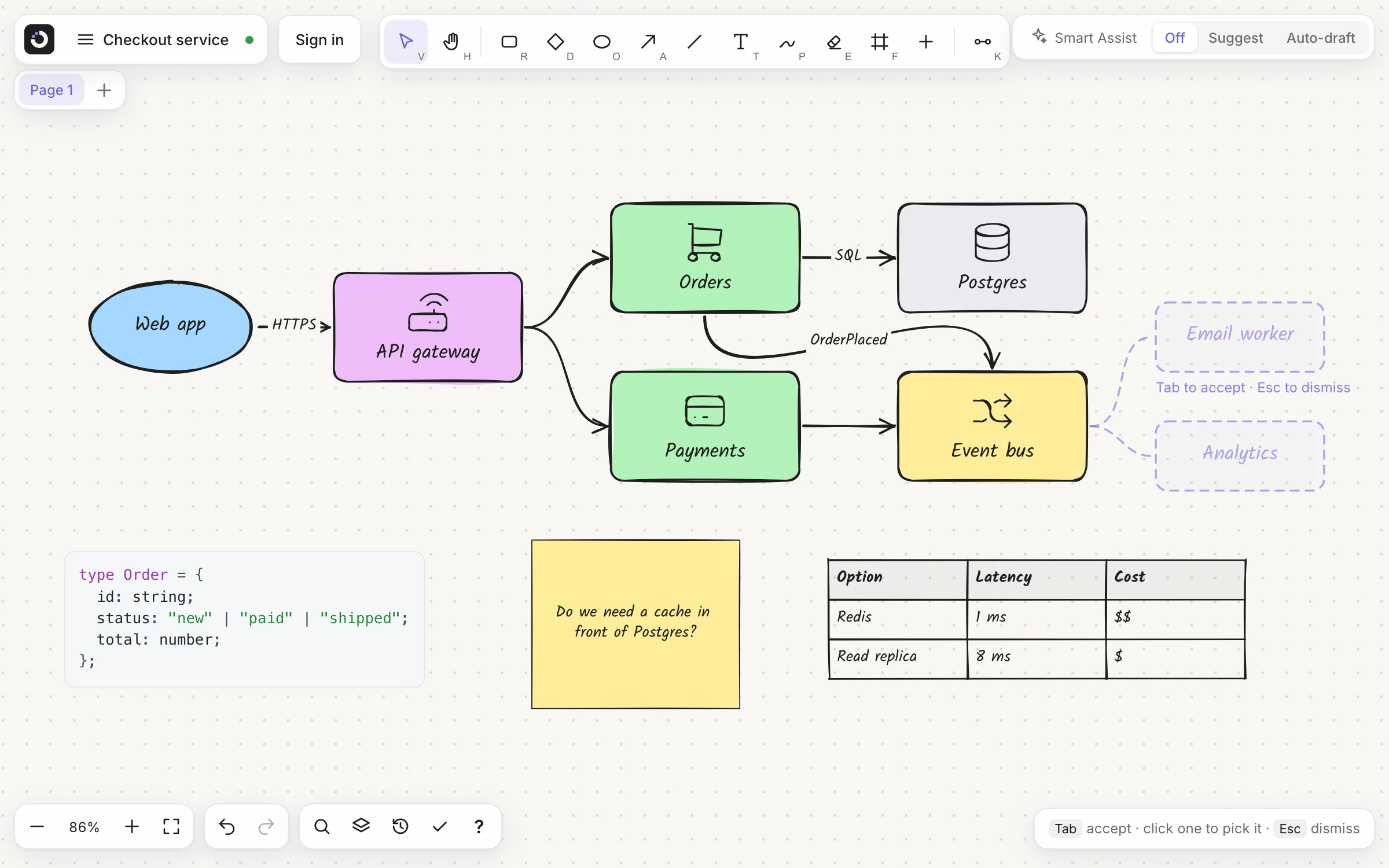
Diagrams that stay editable
Links follow their boxes when you move, resize or copy them. Press I for about 3,400 icons, including the main AWS, Google Cloud and Azure services.
Paste Markdown, get a board
Paste a README or an AI chat answer. Headings, lists, tables and fenced code arrive as separate items you can move around.
Opens your Excalidraw files
Import an .excalidraw file or paste Excalidraw content, then keep working with boxes that stay linked.
From a list, or from a sketch
Write the components one per line, or A -> B -> C, in a sticky note, select it and click Make diagram. A note that starts with a Mermaid keyword such as flowchart works too. Smart Assist proposes the diagram next to your note, and Tab keeps it.
Prefer the pen? Draw boxes and arrows by hand (P), select the strokes and click Convert sketch to get real boxes and links in their place. More on architecture diagrams.
Diagrams from your coding tool
With Pro+, ask Claude Code, Codex, GitHub Copilot, Cursor or another MCP tool to draw the request flow of this API. Kelvo draws it in your project as a .kelvo.svg: a picture GitHub shows in your README and pull requests, and a board that opens in Kelvo to edit by hand. Ask again to add a step or tidy it up. How it works · set it up.
What a design review needs
- Code blocks with syntax colouring, for configs, schemas and queries
- Tables for trade-offs and requirements: paste CSV and it becomes a table
- Copy as Markdown, flowcharts as Mermaid, for a pull request or a chat with an AI. How it works
- Layers to show or hide detail, and version history to go back
- Frames that group services and become slides when you present
- With Pro: several pages per board for different views, and @kelvo in any box or text to ask for a change, such as “@kelvo add a cache in front of the database”
Your diagrams stay on your machine
Boards are stored in your browser, so an internal architecture stays internal. A board you share is encrypted in your browser before it is sent. Smart Assist is off until you turn it on. When you use it, it sends a short text summary of the boxes near the one you're working on, not the whole board. What is sent, and when.
Coming next
Not built yet. Dashed means planned, as on the board.
- Mermaid import
- Turn a Mermaid file into a board without retyping it.
- A VS Code extension
- Open and edit .kelvo.svg diagrams right in your editor.
Questions
Is Kelvo free for developers?
Yes. Every drawing tool works without an account, and a guest keeps one board. A free account keeps 3 boards and adds PNG and SVG export. Pro adds unlimited boards, several pages per board and @kelvo requests: write @kelvo and what you want in any box or text.
Can I import my Excalidraw diagrams?
Yes. Open Import .kelvo / .excalidraw in the board menu, drop the file onto the board, or paste Excalidraw content. Each imported file opens as a new board you can keep editing.
Does Kelvo support Mermaid?
Yes, both ways in part. Copy as Markdown turns linked boxes into a Mermaid flowchart, for a README or a chat with an AI. And a note that starts with a Mermaid keyword such as flowchart can be turned into a diagram with Make diagram, which uses Smart Assist.
Can my team edit a board together?
Yes. With a free account, press Share, turn on sync and let the link edit, then send it. Everyone on the board sees each other's pointers, and edits made at the same moment, or offline, merge. A free account shares 3 boards with up to 5 people at a time, who sign in to join; Pro shares every board with up to 20 people and adds view-only links and invitations by email.
Is there a plan for teams?
Yes. Team (€6 per seat a month or €60 a year, from 2 seats) puts everyone in your team on one plan and one bill. Each member gets everything in Pro+, and the team gets a workspace of its own: share a board with the whole team in one step or make it the team's board, comment on boards with threads, replies and @mentions, and save pages as templates the whole team can use. Admins invite people by email and change the number of seats whenever they like. If you already pay for Pro or Pro+ and buy a team's seats, your own plan is cancelled and the unused time refunded, so you never pay twice.
Start from a template
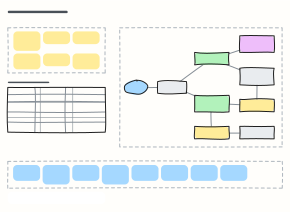 System design interview board
Work a system design question on one board: requirements, estimates, the high-level design and deep dives.
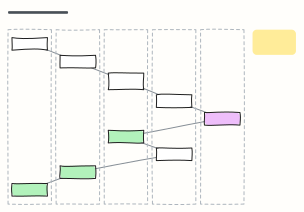 Sequence diagram (request flow)
Numbered steps across Client, API gateway, service, database and a third party — how one checkout request really travels.
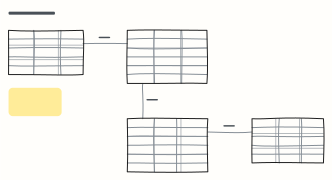 ER diagram (database schema)
Entities as tables with columns, types and keys, joined by one-to-many relationships — sketch a schema before the migration.
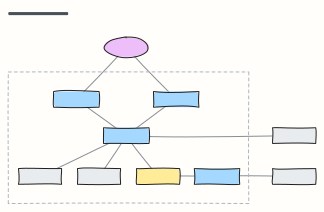 C4 container diagram
C4 level 2: the apps, APIs, databases and queues inside the system boundary, with the technology on each link.
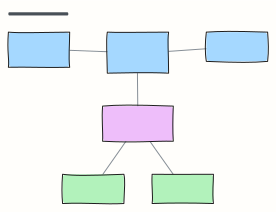 UML class diagram
Classes with fields and methods, associations with multiplicity, and an interface with two implementations.
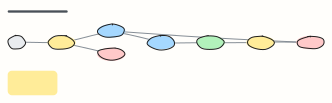 State machine
Every state an order can be in and the events that move it — the source of truth for status logic and tests.
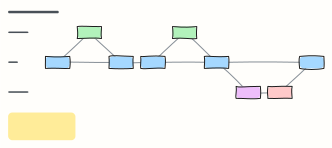 Git branching strategy
Trunk-based development with short-lived feature branches, pull requests, release branches and a cherry-picked hotfix.
 Code review checklist
What to look for in a pull request, from correctness to security, so reviews are fast and consistent.