A whiteboard for lessons and study notes
Kelvo opens in the browser, ready to draw on. There are no accounts to hand out, it keeps working when the Wi-Fi drops, and every board stays on the device it was made on.
Start drawing, freeNo sign-up. Works in your browser.
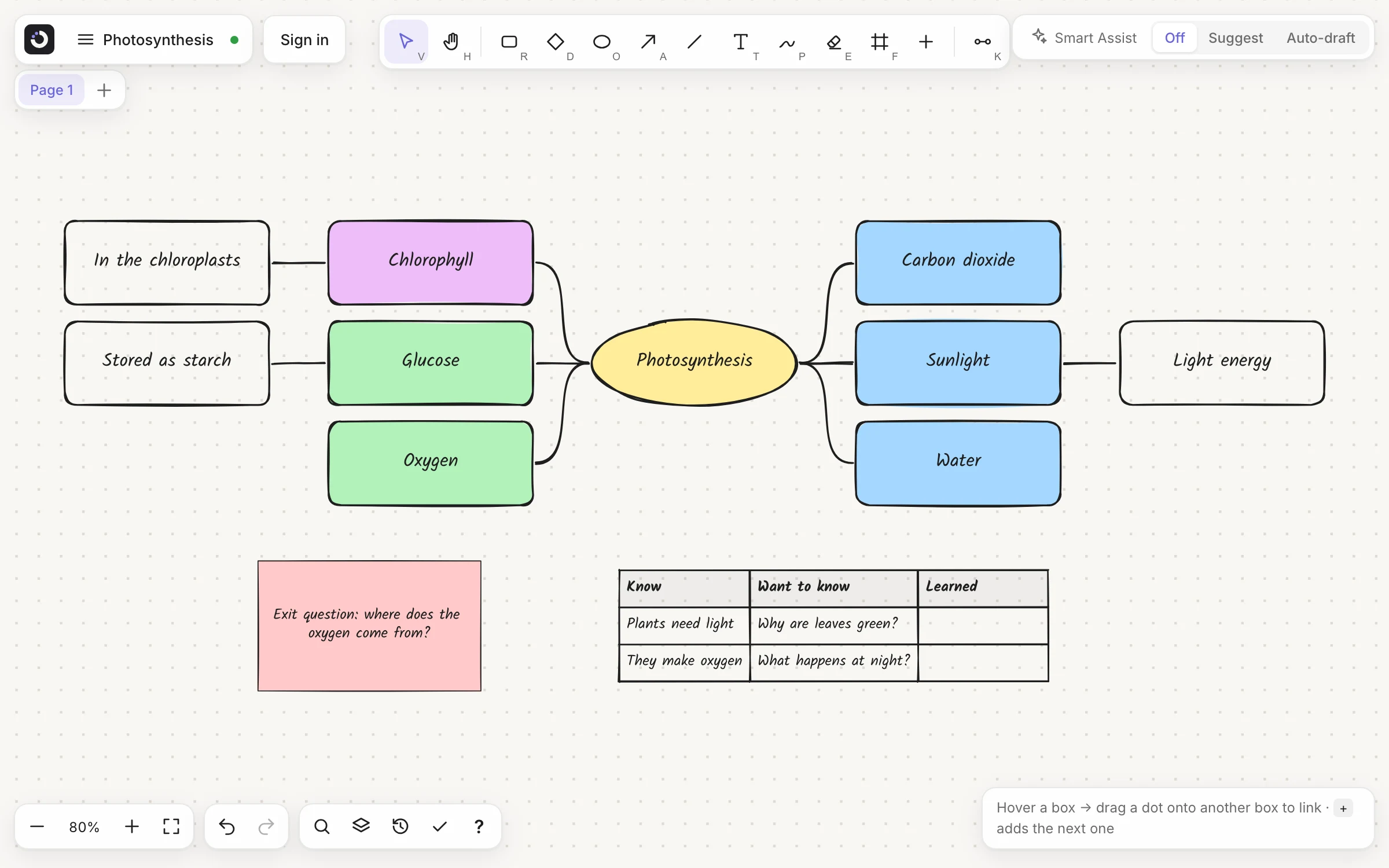
Mind maps that arrange themselves
Tab adds a branch and the map tidies itself on both sides, so nobody stops thinking to drag boxes around. More on mind maps.
Teach straight from the board
Draw frames (F) around parts of the board and present them as slides, full screen. Press L for a laser pointer.
No sign-up, works offline
Every drawing tool works without an account. Once the page has loaded, it keeps working without a connection.
Mark up a handout or a reading
Bring a PDF onto the board and write on top of it. Each page arrives in its own frame, locked so your pen marks can't move it. Frames are slides, so you can present the pages too. The PDF is read in your browser and never uploaded.
PDF import needs a free account, which keeps up to 5 PDF pages per board. Pro imports up to 50 pages at a time. How PDF import works.
For studying
- Cornell notes, a study plan, an essay outline and a KWL chart are ready as templates
- Concept maps with a word on every arrow, so the link says how two ideas relate
- A pen that works with a stylus: once Kelvo has seen one, fingers pan the board and your palm doesn't draw
- A .kelvo file holds the whole board, so homework can be handed in as one file
Private by default
Boards are stored in the browser on the device, so no student work sits on a server unless someone shares a board, and a shared board is encrypted on the device before it is sent. The AI suggestions are off until someone turns them on. The privacy page lists exactly what leaves the device, and when.
The other side of that: a board made on a school computer appears at home only if it is synced, which needs an account, or exported as a .kelvo file and imported there. Accounts are optional, and are for ages 13 and up.
Questions
Do students need an account?
No. Every drawing tool works without one, and a guest can keep one board. Accounts are optional and are for ages 13 and up.
Is Kelvo free for teachers and students?
Drawing is free: every tool, presenting and offline use. A free account keeps 3 boards and adds image export and PDF import (5 pages per board). Pro adds unlimited boards and larger PDF imports.
Can a class work on the same board at once?
A group can. With a free account, a teacher shares a board with up to 5 people at a time, and everyone who joins signs in (accounts are for ages 13 and up). Pro raises that to 20 at a time and adds view-only links, for handing out a board to look at, and links that work without an account. For a whole class at once, present the board from your own screen.
Where are boards saved?
In the browser, on the device. A board appears on another computer if you sync it (with an account) or export it as a .kelvo file and import it there.
Is there a plan for teams?
Yes. Team (€6 per seat a month or €60 a year, from 2 seats) puts everyone in your team on one plan and one bill. Each member gets everything in Pro+, and the team gets a workspace of its own: share a board with the whole team in one step or make it the team's board, comment on boards with threads, replies and @mentions, and save pages as templates the whole team can use. Admins invite people by email and change the number of seats whenever they like. If you already pay for Pro or Pro+ and buy a team's seats, your own plan is cancelled and the unused time refunded, so you never pay twice.
Start from a template
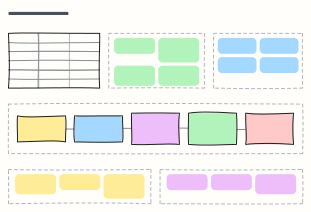 Lesson plan
Plan one lesson: objectives, materials, a timed flow from warm-up to exit ticket, differentiation and assessment.
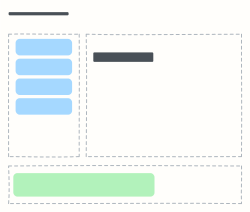 Cornell notes
The Cornell note-taking layout: cues and questions on the left, notes on the right, summary at the bottom.
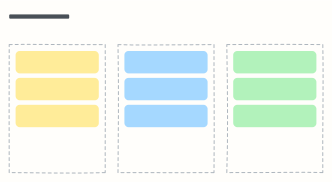 KWL chart
What I Know, what I Want to know, what I Learned — before, during and after studying a topic.
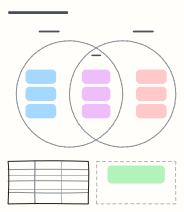 Venn diagram
Two overlapping circles to sort what's unique to each idea and what they share — shown with mitosis and meiosis.
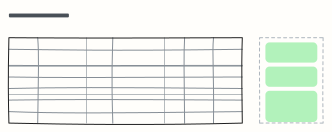 Exam study plan
A week-by-week revision plan with topics, practice and hours, plus your exam goal and weak spots.
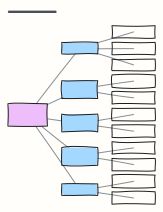 Essay outline
Thesis, introduction, three body paragraphs with evidence, a counter-argument and a conclusion.
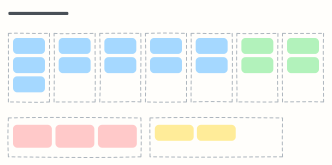 Weekly planner
Seven day columns for appointments and tasks, with your top three priorities and notes for the week.
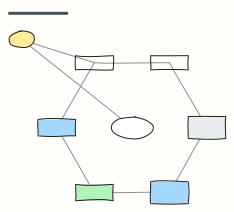 Concept map
Concepts linked by labelled relationships, shown with the water cycle — swap in any topic you're learning.