A whiteboard for research that stays on your device
Kelvo is for making sense of what you've gathered: interview notes, papers, half-formed ideas. It runs in your browser, and what you put on a board is stored on your device, not on a server, unless you choose to share it.
Start drawing, freeNo sign-up. Works in your browser.
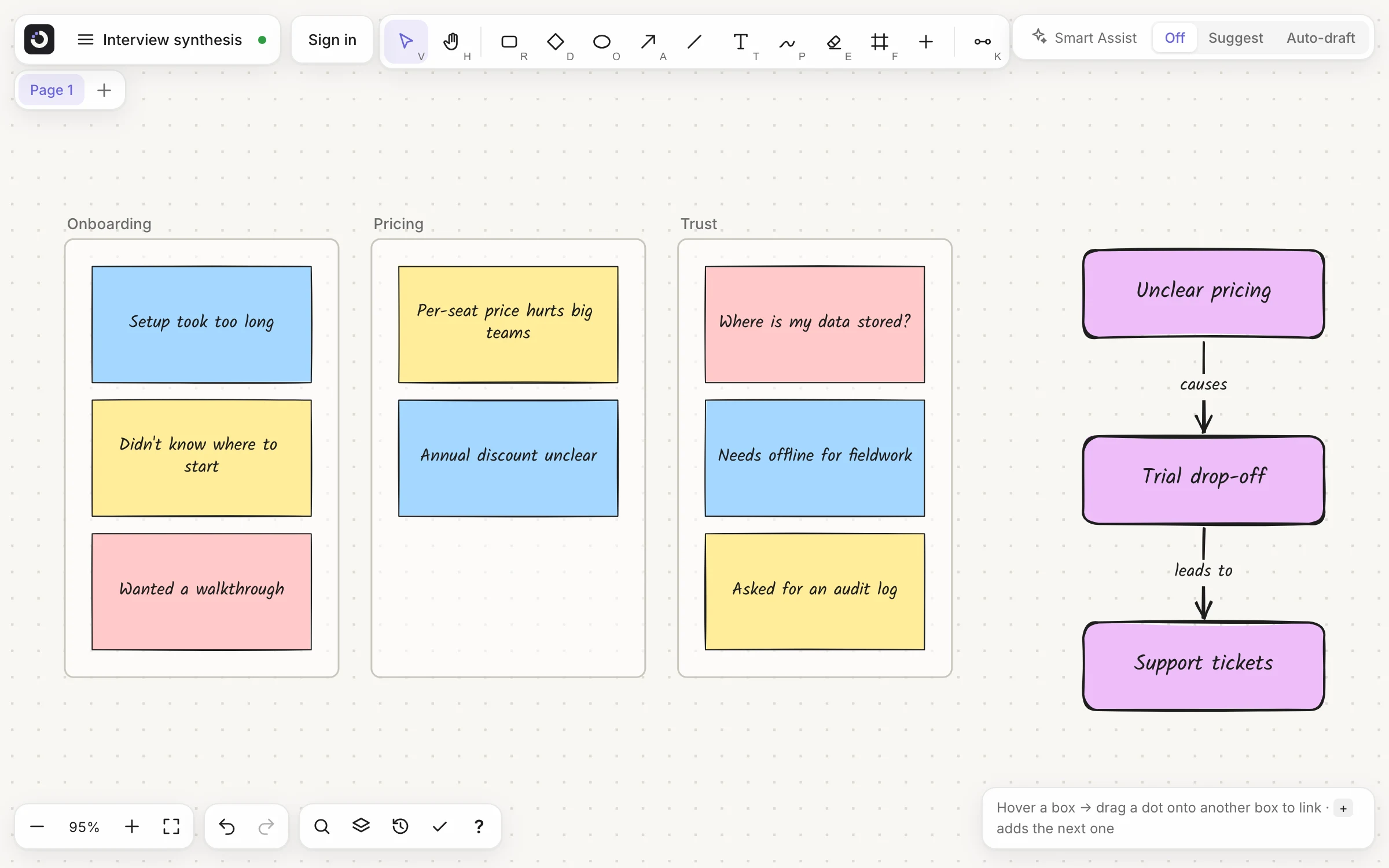
Sort notes into themes
Press S for a sticky note, one observation each. Drag them into frames, name the frames, and the themes appear.
Read with a pen in hand
Bring a paper onto the board as pages and write on top of them. The PDF is read in your browser and never uploaded.
Your material stays with you
Boards, images and version history are stored in your browser on this device. Nothing leaves it unless you share a board.
Map how ideas connect
Put a word on every link, such as “causes” or “contradicts”, and a set of boxes becomes a concept map that says how the ideas relate. For a literature overview, start a mind map and add a branch per theme with Tab. Already have a list? Select the note and click Make diagram.
What the AI sees, and when
Smart Assist is off until you turn it on. Each feature then sends only what it needs: a short text summary of nearby boxes for suggestions, the text of the note for Make diagram, an image of only the selected pen strokes for Convert sketch. Kelvo doesn't store any of it. For sensitive material, leave Smart Assist off; everything else works without it. The full list.
Papers in, figures out
- PDF import needs a free account: up to 5 pages per board, or 50 pages at a time with Pro. Pages are pictures, so the PDF's own text isn't editable
- With a free account, export a page or a single frame as SVG or PNG for a paper or a talk
- Export the boards you can't afford to lose as .kelvo files: they live in the browser, and clearing its data removes them
Questions
Is my research data uploaded?
Not unless you share it. Boards are stored in your browser, on your device; a board you sync or share is encrypted on your device before it is sent, and with Pro+ private mode the keys to those boards are locked with a passphrase only you know. Smart Assist is off until you turn it on, and then sends only what the feature you use needs, such as a short text summary of nearby boxes. Kelvo doesn't store that content.
Can I import a PDF of a paper?
Yes, with a free account: up to 5 PDF pages per board. Pro imports up to 50 pages at a time. Pages arrive as locked pictures you can draw on; the PDF's own text isn't editable.
Can I export a diagram as a vector figure?
Yes. With a free account, export the page or a single frame as SVG, or as PNG.
How do I back up my boards?
Choose Export board to save a .kelvo file with every page and picture. Boards live in the browser, so export the ones you can't afford to lose.
Is there a plan for teams?
Yes. Team (€6 per seat a month or €60 a year, from 2 seats) puts everyone in your team on one plan and one bill. Each member gets everything in Pro+, and the team gets a workspace of its own: share a board with the whole team in one step or make it the team's board, comment on boards with threads, replies and @mentions, and save pages as templates the whole team can use. Admins invite people by email and change the number of seats whenever they like. If you already pay for Pro or Pro+ and buy a team's seats, your own plan is cancelled and the unused time refunded, so you never pay twice.
Start from a template
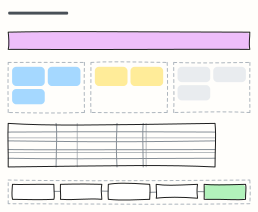 UX research plan
Agree the goal, questions, methods, participants and timeline of a research study before anyone books a session.
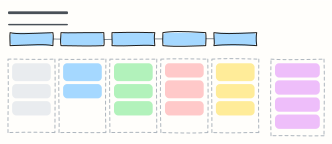 User interview guide
A 45-minute discussion guide: intro, warm-up, core questions and wrap-up, with reminders for the interviewer.
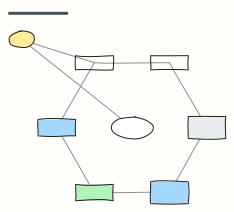 Concept map
Concepts linked by labelled relationships, shown with the water cycle — swap in any topic you're learning.
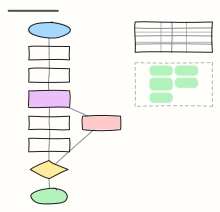 Scientific method
The scientific method as a flowchart, from observation to conclusion, with a worked plant experiment and its variables.
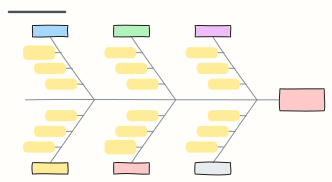 Fishbone diagram (Ishikawa)
Sort the possible causes of a problem into six categories along the bones of a fish to find where to dig.
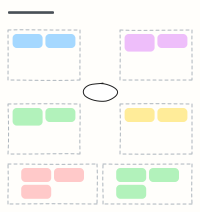 Empathy map
Capture what a user says, thinks, does and feels, plus their pains and gains, after interviews.
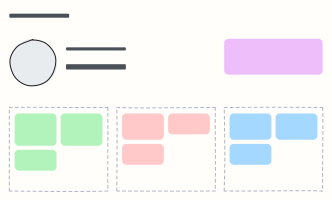 User persona
A one-page portrait of a key user: who they are, what they want, what gets in their way.
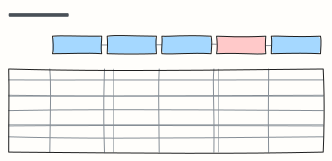 Customer journey map
Follow a customer through each stage: what they do, where, what they think and feel, and where to improve.