UX research plan template
Agree the goal, questions, methods, participants and timeline of a research study before anyone books a session.
Use this templateFree, opens in your browser. No sign-up.
What's on the board
- Research questions
- Where in the trial do teams stall? · What do they compare us with? · Who makes the buying call?
- Hypotheses
- Calendar sync setup is too hard · Price per seat feels high for small teams
- Out of scope
- Enterprise plan · Mobile app · Pricing changes
- Timeline · 5 weeks
- Wk 1 · kickoff, recruit · Wk 2–3 · interviews · Wk 3 · survey live · Wk 4 · synthesis · Wk 5 · readout to leads
Table columns: Method, Who, How many, What it answers.
Also on the board
- Goal: learn why teams on a free trial don't upgrade, so we can raise trial-to-paid…
How to use this template
- Click Use this template. It opens in the Kelvo app as a new board, saved in your browser.
- Double-click any box to change its text. Replace the examples with your own content.
- Sketch, then convert. Draw boxes and arrows with the pen, select the strokes and click Convert sketch: they become real boxes and links.
- Add notes fast. Press S for a sticky note in the middle of your view. A sticky is a box like any other: link it, recolour it, resize it.
- Link by dragging. Hover a box and drag one of its dots onto another box. The whole box is the target, and links stay attached when you move things.
Good for
- research plan
- user research
- ux research
- study design
- Synthesising research into personas and journeys
- Mapping a user flow before designing screens
- Planning and reporting a usability test
Related templates
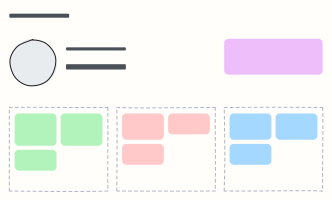 User persona
A one-page portrait of a key user: who they are, what they want, what gets in their way.
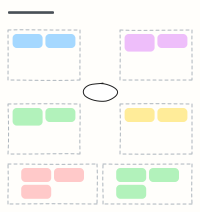 Empathy map
Capture what a user says, thinks, does and feels, plus their pains and gains, after interviews.
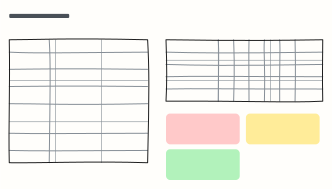 Usability test plan & results
Plan a 5-user usability test, then log task success and the top issues in the same place.
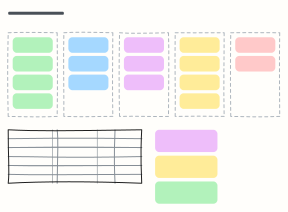 Card sorting results
Run an open card sort, see the groups people made, and spot the cards nobody agrees on before you fix the navigation.
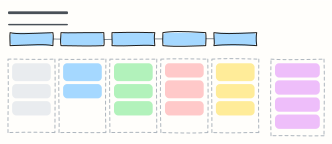 User interview guide
A 45-minute discussion guide: intro, warm-up, core questions and wrap-up, with reminders for the interviewer.
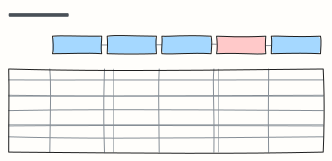 Customer journey map
Follow a customer through each stage: what they do, where, what they think and feel, and where to improve.