UX and design templates
Research and design boards: personas, empathy maps, journey maps, user flows, sitemaps and low-fidelity wireframes. The hand-drawn style is deliberate: sketches invite feedback on the idea, not the pixels.
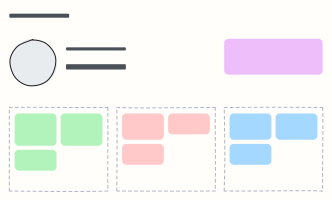 User persona
A one-page portrait of a key user: who they are, what they want, what gets in their way.
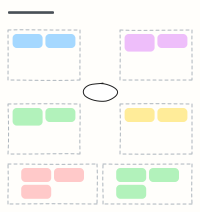 Empathy map
Capture what a user says, thinks, does and feels, plus their pains and gains, after interviews.
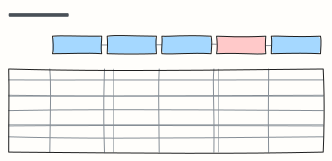 Customer journey map
Follow a customer through each stage: what they do, where, what they think and feel, and where to improve.
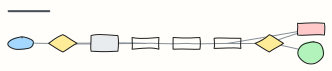 Checkout user flow
Every screen and decision from cart to order confirmation, including guest checkout and payment errors.
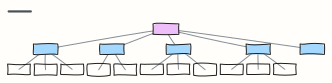 Website sitemap
The page hierarchy of a marketing site, from home to every section and sub-page.
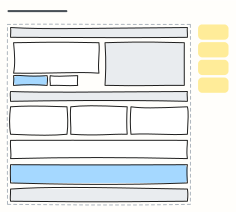 Landing page wireframe
A low-fidelity desktop landing page: nav, hero with one CTA, social proof, features, testimonial, footer.
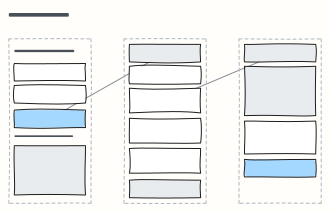 Mobile app wireframes
Three linked phone screens (sign up, home, detail) to sketch a mobile flow quickly.
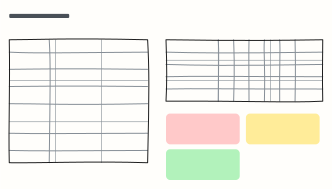 Usability test plan & results
Plan a 5-user usability test, then log task success and the top issues in the same place.
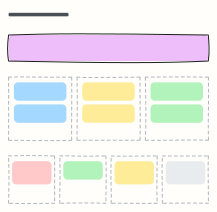 Jobs to be done
Frame the job a customer hires your product for, its functional, emotional and social sides, and the forces of switching.
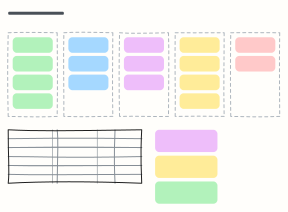 Card sorting results
Run an open card sort, see the groups people made, and spot the cards nobody agrees on before you fix the navigation.
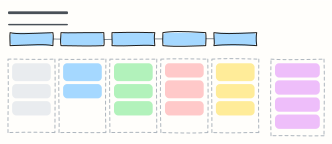 User interview guide
A 45-minute discussion guide: intro, warm-up, core questions and wrap-up, with reminders for the interviewer.
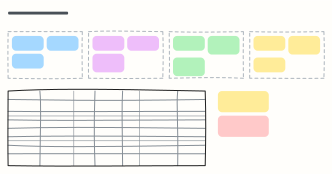 Design system inventory
Audit the foundations and components your product really uses, with variants, usage, status and an owner for each.
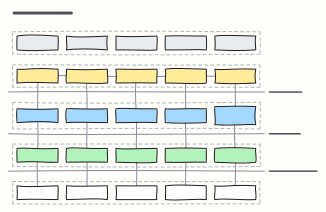 Service blueprint
Map what the customer does, what staff do in front of and behind the scenes, and the systems that support each step.
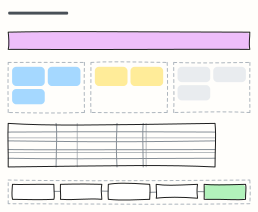 UX research plan
Agree the goal, questions, methods, participants and timeline of a research study before anyone books a session.
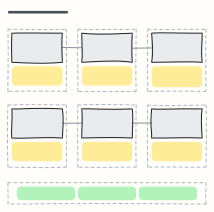 User storyboard
Tell a user's story in six panels, each a quick sketch and a caption, to share a scenario or a new idea.
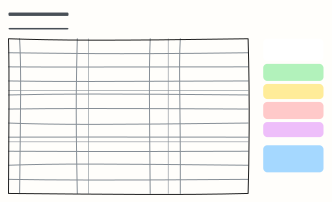 Heuristic evaluation
Review an interface against Nielsen's 10 usability heuristics, rate each issue's severity and agree the fixes.
When to use them
- Synthesising research into personas and journeys
- Mapping a user flow before designing screens
- Planning and reporting a usability test
Working on a UX board in Kelvo
- Sketch, then convert
- Draw boxes and arrows with the pen, select the strokes and click Convert sketch: they become real boxes and links.
- Add notes fast
- Press S for a sticky note in the middle of your view. A sticky is a box like any other: link it, recolour it, resize it.
- Link by dragging
- Hover a box and drag one of its dots onto another box. The whole box is the target, and links stay attached when you move things.
- Present it
- Frames become slides when you present, and the laser pointer helps you walk people through the board.