Cloud and DevOps diagram templates
Infrastructure diagrams for planning and reviews: deployment pipelines, cluster overviews, multi-region failover and the structure of cloud accounts. They use plain boxes and labels rather than vendor icon sets, so they stay readable when you sketch over them.
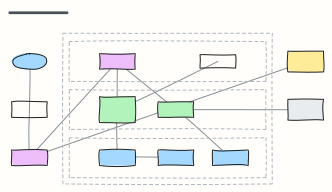 AWS three-tier web app
A highly available web app on AWS: DNS and CDN, load balancer, auto-scaled app servers and Multi-AZ database in a VPC.
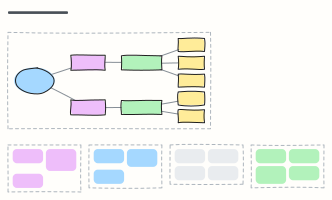 Kubernetes cluster overview
Ingress, services, deployments and pods in a namespace, with config, storage, control plane and add-ons around them.
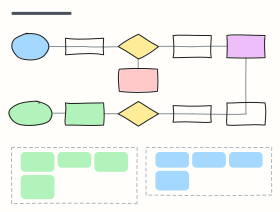 CI/CD pipeline with quality gates
From pull request to production: build, tests, security scans, staging, approval and canary release, with the gates in between.
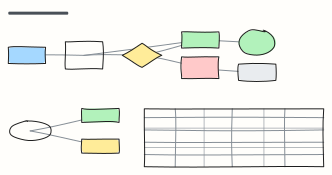 Canary & blue/green deployment
Release safely: shift a little traffic to the new version, check SLOs, then promote or roll back — plus a strategy comparison.
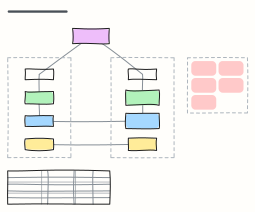 Multi-region disaster recovery
Warm-standby DR across two regions with DNS failover and replicated data, RTO/RPO options and a failover runbook.
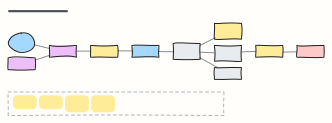 Serverless event-driven app
An AWS serverless order system: API Gateway and Lambda, DynamoDB streams into EventBridge, SQS with a dead-letter queue.
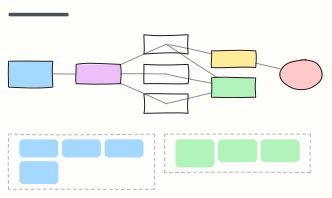 Observability stack
Metrics, logs and traces through OpenTelemetry into Prometheus, Loki and Tempo, with Grafana, alerting and SLO notes.
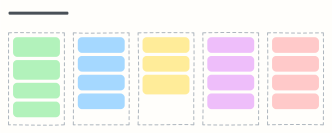 Cloud cost optimization board
FinOps actions sorted from quick wins to governance: clean up, right-size, commit, re-architect and keep costs visible.
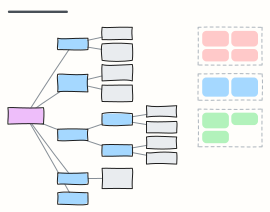 Cloud landing zone (account structure)
A multi-account organization with OUs for security, infrastructure, workloads and sandboxes, plus the guardrails every account gets.
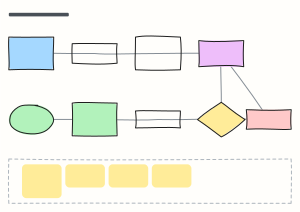 Infrastructure-as-code workflow
The Terraform change workflow: branch, checks, plan on the PR, review, merge, apply with locked state, and drift detection.
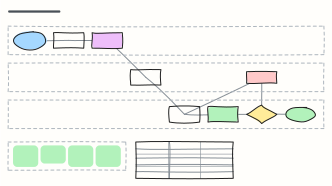 GitOps workflow (Argo CD)
Deploy by pull request: CI builds the image, a config-repo PR bumps the tag, and Argo CD syncs the cluster to match git.
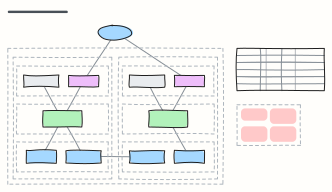 AWS VPC network layout
A two-AZ AWS VPC with public, private and data subnets, internet and NAT gateways, route tables and security groups.
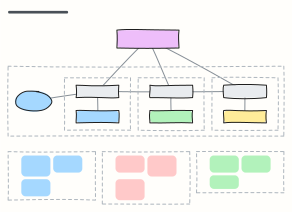 Service mesh overview (Istio)
How a service mesh works: sidecar proxies beside every pod, mTLS between services, and a control plane pushing config and certs.
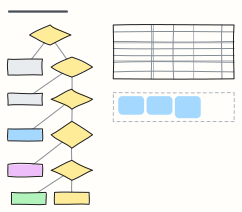 Cloud migration: the 6 Rs
Decide how to move each application to the cloud — retire, retain, repurchase, rehost, replatform or refactor — and plan the waves.
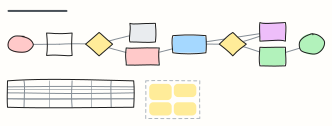 On-call incident runbook
What the on-call engineer does when a page fires: acknowledge, judge impact, declare, mitigate first, then escalate and follow up.
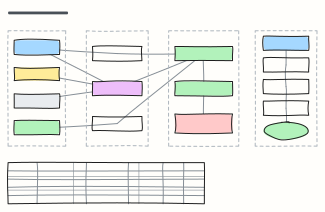 Backup & restore strategy
A 3-2-1 backup plan for cloud data: what gets backed up, how often, where the copies live, and a monthly restore drill.
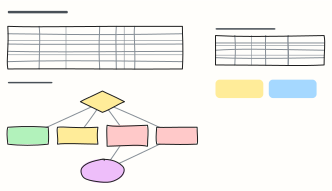 SLOs & error budget policy
Define SLIs and SLOs per service, turn them into an error budget, and agree what happens to releases as the budget burns.
When to use them
- Design reviews and architecture decision meetings
- Runbooks and onboarding for on-call engineers
- Planning a migration or a cost-cutting pass
Working on a cloud diagram in Kelvo
- Link by dragging
- Hover a box and drag one of its dots onto another box. The whole box is the target, and links stay attached when you move things.
- Sketch, then convert
- Draw boxes and arrows with the pen, select the strokes and click Convert sketch: they become real boxes and links.
- Group by environment or region
- Draw a frame (F) around a group of services; moving the frame moves everything inside it.
- Share it
- Save the board as a .kelvo file anyone can import. With a free account, export the page as PNG or SVG, or copy it as an image with ⌘⇧C.