Meeting and workshop templates
Boards that keep meetings on track: agendas with space for notes and actions, recurring 1:1s and syncs, workshop plans, decision logs and team charters.
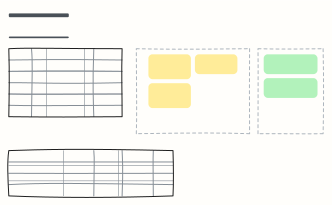 Meeting agenda, notes & actions
A timed agenda, live notes, decisions and an action list with owners — everything a meeting needs on one board.
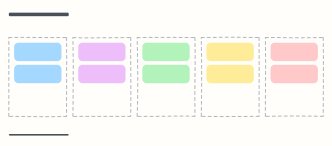 1:1 meeting
A recurring manager and report 1:1: their topics first, then feedback, growth and follow-ups.
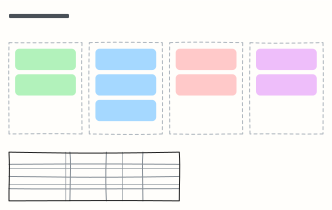 Weekly team sync
Last week's wins, this week's priorities, blockers and key metrics in a 30-minute team meeting.
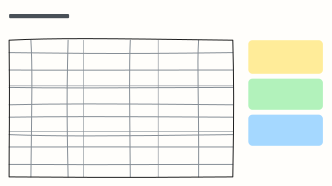 Workshop agenda
A timeboxed half-day workshop plan with goals, methods, and the materials and outcomes to prepare.
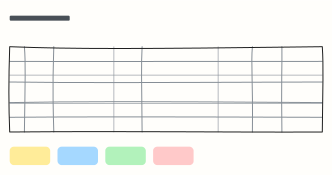 Decision log
Record what was decided, why, who owns it and its status, so decisions don't get re-litigated.
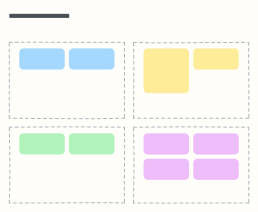 Icebreaker board
Four quick warm-up activities to get a new or remote team talking before the real work.
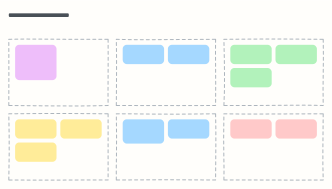 Team charter
Agree on purpose, goals, roles, working norms, communication and how decisions get made.
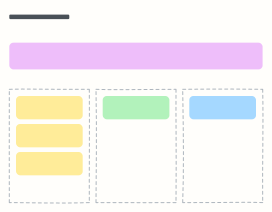 All-hands Q&A board
Collect questions before an all-hands, vote on them, and track what was answered or needs follow-up.
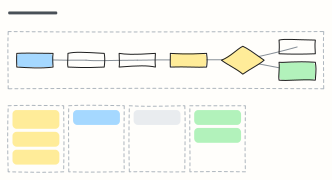 Lean Coffee
An agenda-less meeting: the group proposes topics, dot-votes them, and discusses each in short timeboxes.
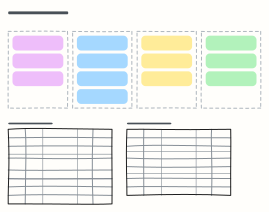 Team offsite plan
Plan a two-day team offsite: goals, logistics, pre-work, the outcomes you want, and a day-by-day agenda.
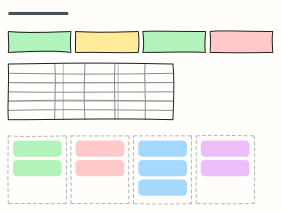 Quarterly business review (QBR)
Headline numbers, a target-vs-actual scorecard, wins and misses, next quarter's priorities and the asks.
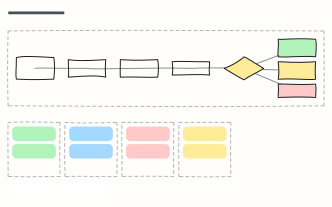 Design review
A 45-minute design critique: context, walkthrough, silent feedback, discussion and a clear build decision.
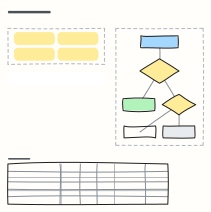 Parking lot
Park off-topic but important points during a meeting, then give each one an owner or drop it at the end.
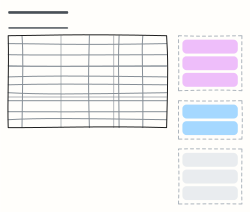 Board meeting agenda
A timed board of directors agenda with presenters, purpose and pre-reads, plus resolutions and attendance.
When to use them
- Running a recurring meeting from the same board each week
- Capturing decisions and owners while you talk
- Planning a workshop's timing and activities
Working on a meeting board in Kelvo
- Add notes fast
- Press S for a sticky note in the middle of your view. A sticky is a box like any other: link it, recolour it, resize it.
- Keep versions apart
- Use pages for alternatives or iterations of the same board, and version history to go back to an earlier state.
- Present it
- Frames become slides when you present, and the laser pointer helps you walk people through the board.
- Share it
- Save the board as a .kelvo file anyone can import. With a free account, export the page as PNG or SVG, or copy it as an image with ⌘⇧C.