Brainstorming and idea templates
Structures for generating and sorting ideas: mind maps, affinity maps, How Might We prompts, Crazy 8s, SCAMPER and an impact/effort matrix to decide what to try first.
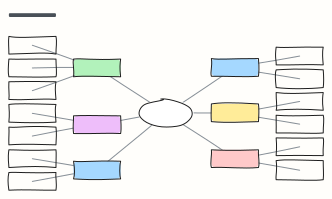 Mind map
A balanced mind map that keeps arranging itself as you add branches (Tab adds a branch).
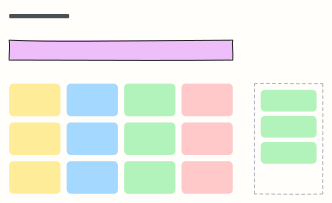 Brainstorm board
One question, a wall of idea stickies, and a spot for the top picks after dot voting.
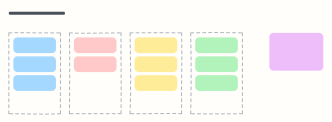 Affinity map
Cluster research notes or ideas into themes, then name each group and spot patterns.
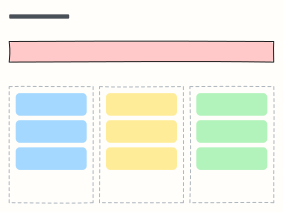 How might we
Turn research insights into “How might we…” questions, then into ideas worth testing.
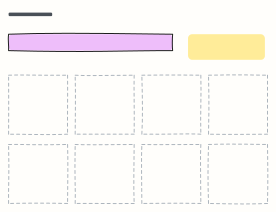 Crazy 8s
Sketch eight different ideas in eight minutes, one per frame, to get past the obvious first idea.
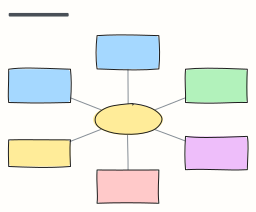 Starbursting (5W1H)
Stress-test an idea by asking Who, What, Where, When, Why and How before answering anything.
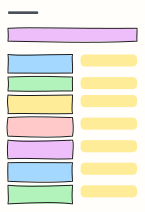 SCAMPER
Seven prompts (Substitute, Combine, Adapt, Modify, Put to another use, Eliminate, Reverse) to rethink a product.
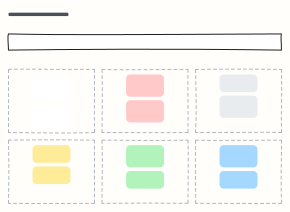 Six thinking hats
Look at one decision from six angles in turn: facts, feelings, risks, benefits, ideas and process.
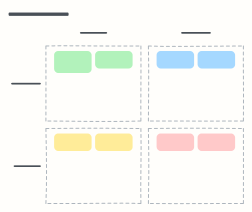 Impact / effort matrix
Place ideas by impact and effort to find quick wins and avoid money pits.
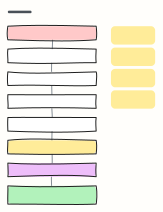 5 whys
Ask “why?” five times to dig past the symptom of a problem to a root cause you can actually fix.
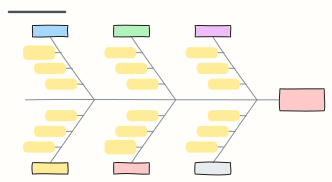 Fishbone diagram (Ishikawa)
Sort the possible causes of a problem into six categories along the bones of a fish to find where to dig.
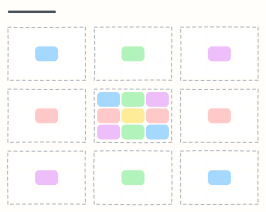 Lotus blossom
Grow one central theme into 8 sub-themes and 64 ideas, each sub-theme becoming the centre of its own petal.
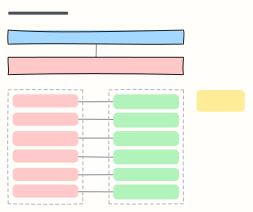 Reverse brainstorming
Ask how to make a problem worse, list the worst ideas, then flip each one into a solution worth trying.
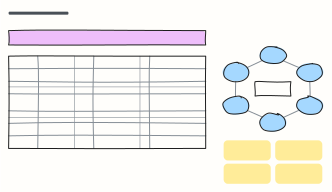 Brainwriting 6-3-5
Six people write three ideas each in five minutes, then pass the sheet on, building 108 ideas in 30 minutes.
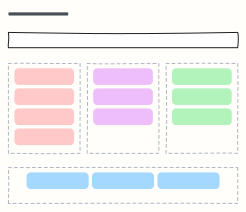 Rose, thorn, bud
Reflect on a project or experience by sorting what went well, what hurt, and what could grow into something more.
When to use them
- Getting many ideas out quickly, then grouping them
- Reframing a problem before jumping to solutions
- Choosing which ideas to pursue
Working on a brainstorm in Kelvo
- Grow branches
- On a mind map, Tab adds a branch and ⌘↵ adds a sibling. Branches arrange themselves on both sides of the centre.
- Add notes fast
- Press S for a sticky note in the middle of your view. A sticky is a box like any other: link it, recolour it, resize it.
- Let Smart Assist draft the next step
- Turn on Suggest, finish a label and pause: the next steps appear as dashed ghosts. Tab keeps them, Esc dismisses them.
- Group and sort
- Drag stickies into clusters, then select a cluster and group it (⌘G) so it moves as one.