Solution architecture diagram templates
Architecture templates for the conversations that happen before code: C4 context and container views, event-driven and hexagonal designs, and the decision records that explain why. Hand-drawn lines keep the focus on the idea rather than on polish.
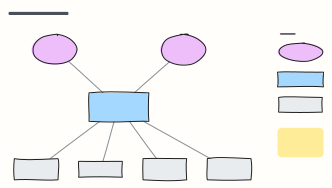 C4 system context diagram
C4 level 1: the system in scope, the people who use it and the external systems it depends on, with a legend.
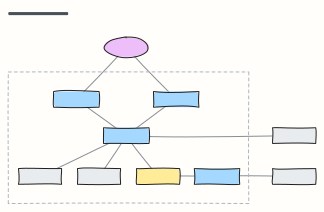 C4 container diagram
C4 level 2: the apps, APIs, databases and queues inside the system boundary, with the technology on each link.
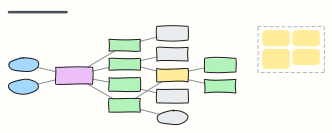 Microservices with API gateway
Clients behind an API gateway, services that each own their database, and an event bus for asynchronous work.
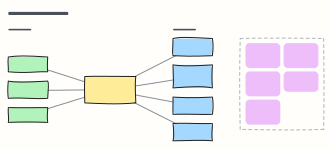 Event-driven architecture
Producers publish facts to a broker; independent consumers react — with the design rules that keep it reliable.
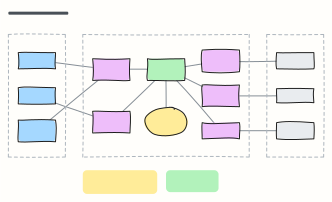 Hexagonal architecture (ports & adapters)
Keep business logic independent: driving adapters call inbound ports, the core uses outbound ports that adapters implement.
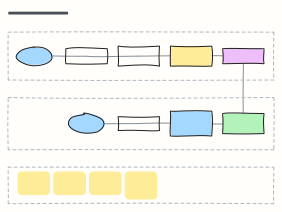 CQRS + event sourcing
Separate write and read paths: commands append events to an event store, projectors build read models for queries.
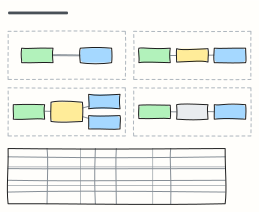 Integration patterns compared
Request/response, queues, pub/sub and batch transfer side by side, with coupling, latency and when to use each.
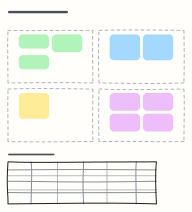 Architecture decision record (ADR)
Record one decision: status, context, the decision, consequences and the options you considered.
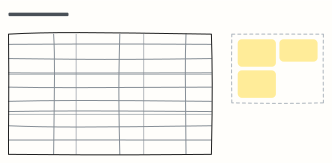 Non-functional requirements
Measurable quality attributes — availability, performance, security, recovery and more — with how each is verified.
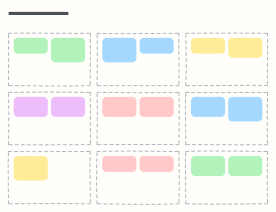 Solution architecture canvas
Frame a solution on one page: goals, stakeholders, scope, qualities, constraints, integrations, decisions, risks and roadmap.
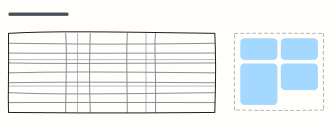 Build vs buy decision matrix
Score building, buying SaaS or self-hosting open source against weighted criteria to make the call explicit.
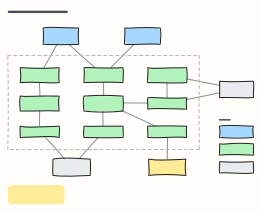 C4 component diagram
C4 level 3: the components inside one container, what each is responsible for, and how they reach databases and external systems.
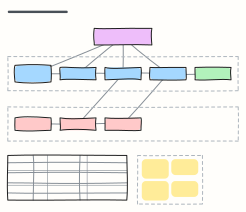 Saga pattern (distributed transactions)
An orchestrated saga: local transactions across services, the compensating steps that undo them, and orchestration vs choreography.
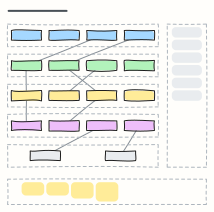 Layered (n-tier) architecture
Presentation, application, domain, persistence and database layers, with cross-cutting concerns and the rules that keep layers clean.
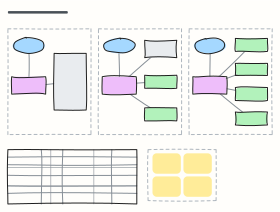 Strangler fig migration
Replace a legacy monolith slice by slice behind a routing facade, in three phases, with a tracker for each slice.
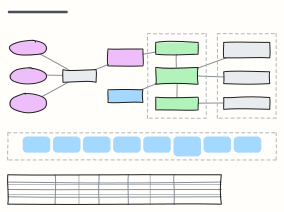 Multi-tenant SaaS architecture
Tenant routing, a shared stateless app tier, pooled and siloed data, the control plane, and the trade-offs between tenancy models.
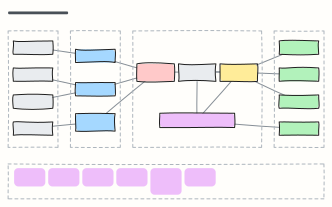 Data lakehouse architecture
Sources, ingestion, bronze/silver/gold tables on object storage, the consumers that read them, and the governance around it all.
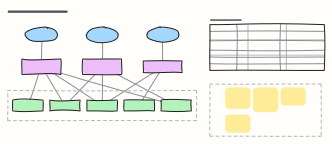 Backend for frontend (BFF)
One backend per client experience: web, mobile and partner APIs that aggregate shared services, with what each BFF owns.
When to use them
- Agreeing on boundaries and responsibilities between services
- Recording why a design was chosen (and what was rejected)
- Comparing integration options side by side
Working on an architecture diagram in Kelvo
- Sketch, then convert
- Draw boxes and arrows with the pen, select the strokes and click Convert sketch: they become real boxes and links.
- Ask Kelvo right on the board (Pro)
- With Pro, type @kelvo and what you want in any box or text, for example “@kelvo add error handling”, and press Enter. The change is made there and the request disappears; ⌘Z undoes it.
- One page per level
- Put the C4 context view on one page and the container view on the next, so each diagram stays readable.
- Paste a table
- Paste comma- or tab-separated text and it becomes a table. Tab moves to the next cell and adds rows as you go.