Integration patterns compared template
Request/response, queues, pub/sub and batch transfer side by side, with coupling, latency and when to use each.
Use this templateFree, opens in your browser. No sign-up.
What's on the board
- Request / response (sync REST, gRPC)
- Order service · Inventory API
- Point-to-point queue (async)
- Order service · Billing worker · Queue (SQS)
- Publish / subscribe (topic)
- Email service · Topic: orders (SNS / Kafka) · Order service · Analytics
- File / batch transfer (ETL)
- Nightly CSV via SFTP · Data warehouse · ERP
Table columns: Pattern, Coupling, Latency, Failure handling, Use when.
How to use this template
- Click Use this template. It opens in the Kelvo app as a new board, saved in your browser.
- Double-click any box to change its text. Replace the examples with your own content.
- Sketch, then convert. Draw boxes and arrows with the pen, select the strokes and click Convert sketch: they become real boxes and links.
- Ask Kelvo right on the board (Pro). With Pro, type @kelvo and what you want in any box or text, for example “@kelvo add error handling”, and press Enter. The change is made there and the request disappears; ⌘Z undoes it.
- One page per level. Put the C4 context view on one page and the container view on the next, so each diagram stays readable.
Good for
- architect
- integration
- messaging
- api
- patterns
- Agreeing on boundaries and responsibilities between services
- Recording why a design was chosen (and what was rejected)
- Comparing integration options side by side
Related templates
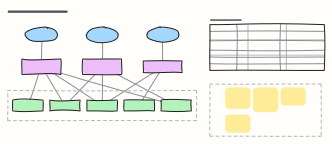 Backend for frontend (BFF)
One backend per client experience: web, mobile and partner APIs that aggregate shared services, with what each BFF owns.
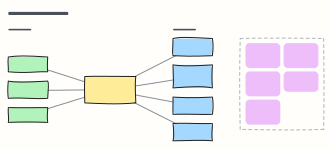 Event-driven architecture
Producers publish facts to a broker; independent consumers react — with the design rules that keep it reliable.
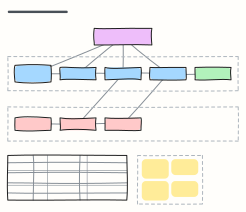 Saga pattern (distributed transactions)
An orchestrated saga: local transactions across services, the compensating steps that undo them, and orchestration vs choreography.
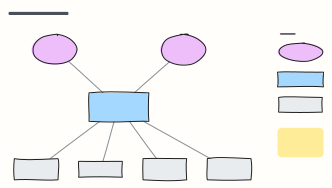 C4 system context diagram
C4 level 1: the system in scope, the people who use it and the external systems it depends on, with a legend.
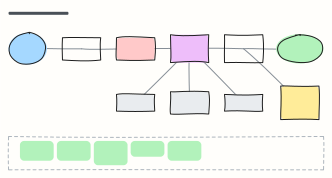 LLM application architecture
Production building blocks around a model: gateway, guardrails, orchestrator, cache, vector DB, tools and observability.
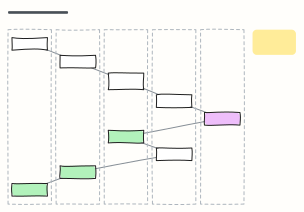 Sequence diagram (request flow)
Numbered steps across Client, API gateway, service, database and a third party — how one checkout request really travels.