LLM application architecture template
Production building blocks around a model: gateway, guardrails, orchestrator, cache, vector DB, tools and observability.
Use this templateFree, opens in your browser. No sign-up.
What's on the board
- Production checklist
- Latency budget for each step (p95) · Prompts + model versions in git · Fallback model when the primary is down · Never log PII in plain text · Cost alerts per team and feature
Also on the board
- Users (web, Slack, API)
- Model providers (Claude, open-weights)
- Orchestrator: prompts, routing, tools
- LLM gateway: retries, fallback, budgets
- API gateway: auth, rate limits
- Guardrails: input + output checks
- Observability: traces, tokens, cost, evals
- Vector DB: docs + embeddings
- Semantic cache (Redis)
- Tools + internal APIs
How to use this template
- Click Use this template. It opens in the Kelvo app as a new board, saved in your browser.
- Double-click any box to change its text. Replace the examples with your own content.
- Sketch, then convert. Draw boxes and arrows with the pen, select the strokes and click Convert sketch: they become real boxes and links.
- Ask Kelvo right on the board (Pro). With Pro, type @kelvo and what you want in any box or text, for example “@kelvo add error handling”, and press Enter. The change is made there and the request disappears; ⌘Z undoes it.
- Keep the prompt next to the diagram. Add a code block from the Insert (+) menu for prompts, schemas or config, right beside the boxes they belong to.
Good for
- ai
- llm
- architecture
- architect
- platform
- Explaining an LLM feature's architecture to engineers and stakeholders
- Deciding between prompting, retrieval and fine-tuning
- Planning evaluations and risks before launch
Related templates
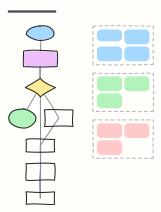 LLM agent loop
How a tool-using agent plans, calls tools, observes results and updates memory until the goal is met, with guardrails.
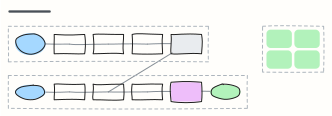 RAG pipeline
Retrieval-augmented generation end to end: ingest and embed documents offline, then retrieve, rerank and answer with citations.
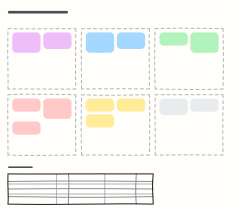 Prompt design canvas
Design a production prompt piece by piece — role, context, task, constraints, examples, output format — plus test cases.
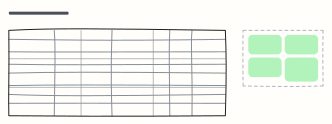 Model evaluation plan
Metrics, datasets, targets and owners for evaluating an LLM or ML model, plus the gate a release must pass.
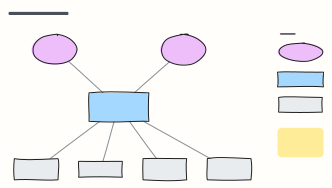 C4 system context diagram
C4 level 1: the system in scope, the people who use it and the external systems it depends on, with a legend.
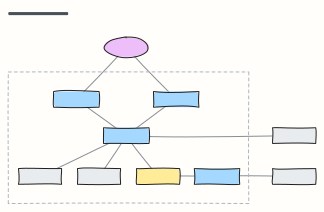 C4 container diagram
C4 level 2: the apps, APIs, databases and queues inside the system boundary, with the technology on each link.
All ai and machine learning diagram templates · All templates