draw.ioKelvo
Kelvo as a draw.io alternative
draw.io (diagrams.net) is a free, open-source diagram editor with huge shape libraries. Kelvo is for getting a diagram out of your head quickly: a hand-drawn look, boxes that link themselves, and a co-pilot that drafts the next step.
What Kelvo adds
- Faster drafting. Tab adds the next box already linked; drag a dot onto anywhere on another box to link it, no aiming at connection points. Tidy up and mind-map layout arrange things for you.
- Smart Assist and @kelvo. The next steps appear as dashed ghosts as you work (opt-in); with Pro, write @kelvo and a request in any box and it's drawn there. Make diagram turns a list or notes into a diagram.
- Live collaboration built in. No storage to set up: press Share and everyone sees each other's pointers and selections, can follow your view, and edits made offline merge. On Pro: view-only links and invitations by email.
- Every board on all your devices with Pro, encrypted on your device before it's sent. With Pro+ private mode, no one can open them without your passphrase. How it works.
- A sketch that still reads clearly. Hand-drawn shapes by default, with a Normal or Serif font for labels when a diagram needs to look tidy, plus cloud service icons for AWS, Google Cloud and Azure.
- Notes next to the diagram: sticky notes, tables (paste CSV), code blocks, PDF pages to mark up, and frames that become slides when you present.
When draw.io is the better choice
- Precise technical diagrams. draw.io's shape libraries (UML, BPMN, network, electrical and more) and exact layout tools go much further than Kelvo's boxes, decisions and ellipses.
- Files in your own storage. draw.io saves to Google Drive, OneDrive, SharePoint or your disk, and its desktop app works with local files.
- Open source and integrations. draw.io is open source (Apache 2.0) and plugs into Confluence, Jira and VS Code.
Reviewed November 2026. Products change; check drawio.com for its current features.
Start drawing, freeNo sign-up. Works in your browser.
Questions
Can Kelvo open .drawio files?
Not .drawio files. Export the diagram from draw.io as PNG or SVG and drop it onto a Kelvo board as a picture to draw over, or start again in Kelvo: Tab and Smart Assist make redrawing a flowchart quick.
Does Kelvo have AWS, Google Cloud and Azure icons?
Yes. Press I (or Icon… in the Insert menu) and search by service name among about 3,400 icons, including AWS, Google Cloud and Azure services. An icon goes on the board by itself or inside a box, and links like any box.
Start from a template
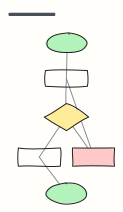 Basic flowchart
Start, steps, a decision with yes/no branches, and an end — the classic shape to build from.
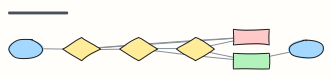 Approval workflow
A request moves through manager and finance approval, with rejection and rework loops.
 Support ticket escalation
How a support ticket moves from first response to tier 2, engineering, and resolution.
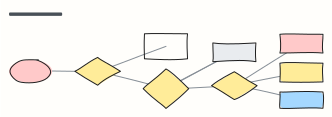 Bug triage
Decide what happens to every incoming bug report: reproduce, size the impact, then schedule.
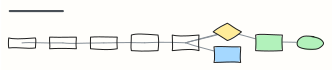 Incident response
Detect, triage, mitigate, communicate, resolve and learn — an on-call runbook in one view.
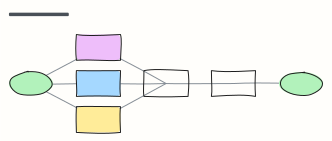 Employee onboarding process
From signed offer to first-week check-in: what HR, IT and the manager each do, in order.
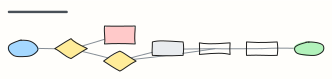 Order fulfillment
An e-commerce order from checkout to delivery, including payment failure and stock-outs.
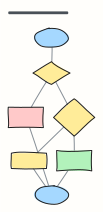 Refund request process
Check eligibility, choose refund or exchange, and close the loop with the customer.