Approval workflow template
A request moves through manager and finance approval, with rejection and rework loops.
Use this templateFree, opens in your browser. No sign-up.
What's on the board
- Revise and resubmit
- Manager review
- Over $5,000?
- Finance review
- Submit request
- Notify requester
- Approved: place order
How to use this template
- Click Use this template. It opens in the Kelvo app as a new board, saved in your browser.
- Double-click any box to change its text. Replace the examples with your own content.
- Add the next step with Tab. Select a box and press Tab: a new box appears, already linked. Type its label and press Enter.
- Decisions get both branches. A decision diamond is offered a “yes” and a “no” branch for any it's missing, on your device and instantly.
- Catch gaps. Orange badges flag a decision with only one branch, a box that isn't connected, or two boxes with the same label, with a one-click fix.
Good for
- approval
- workflow
- process
- finance
- Documenting how work actually moves between people and systems
- Spotting missing branches, loops and hand-offs before they cause problems
- Onboarding someone to a process in one picture
Related templates
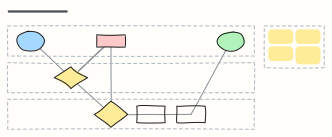 Expense reimbursement
An expense claim across Employee, Manager and Finance lanes: approval, receipt checks, rework and payout.
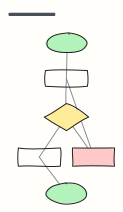 Basic flowchart
Start, steps, a decision with yes/no branches, and an end — the classic shape to build from.
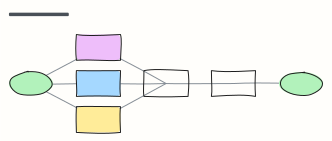 Employee onboarding process
From signed offer to first-week check-in: what HR, IT and the manager each do, in order.
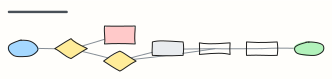 Order fulfillment
An e-commerce order from checkout to delivery, including payment failure and stock-outs.
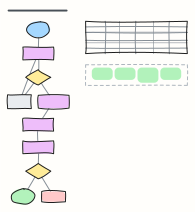 Prompt chaining workflow
Break one big LLM task into small chained prompts with checks between them: classify, extract, draft, critique, send.
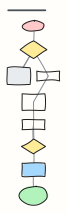 Debugging flow
A disciplined loop for hard bugs: reproduce, write a failing test, isolate, hypothesise, fix the root cause.