Flowchart and process templates
Processes are easier to agree on once they're drawn. These flowcharts start from real workflows, such as approvals, escalations, refunds and incident response, so you edit the steps instead of drawing boxes from scratch.
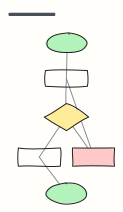 Basic flowchart
Start, steps, a decision with yes/no branches, and an end — the classic shape to build from.
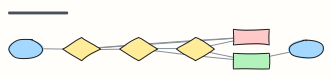 Approval workflow
A request moves through manager and finance approval, with rejection and rework loops.
 Support ticket escalation
How a support ticket moves from first response to tier 2, engineering, and resolution.
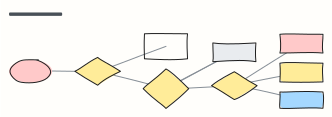 Bug triage
Decide what happens to every incoming bug report: reproduce, size the impact, then schedule.
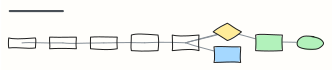 Incident response
Detect, triage, mitigate, communicate, resolve and learn — an on-call runbook in one view.
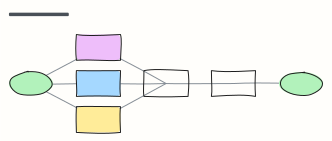 Employee onboarding process
From signed offer to first-week check-in: what HR, IT and the manager each do, in order.
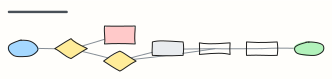 Order fulfillment
An e-commerce order from checkout to delivery, including payment failure and stock-outs.
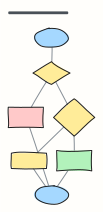 Refund request process
Check eligibility, choose refund or exchange, and close the loop with the customer.
 Content publishing workflow
Idea to published post: draft, edit, review, schedule, promote, with a revision loop.
 Purchase request (procurement)
Budget check, vendor selection, purchase order and invoice matching.
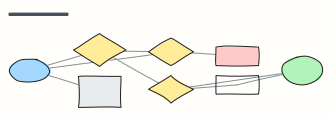 Sign-in flow
Sign in with password, two-factor, lockout and password reset paths.
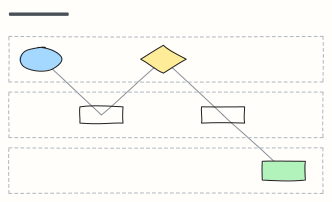 Swimlane process
Who does what: one lane per team, with hand-offs between Customer, Sales, and Operations.
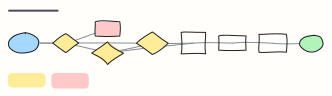 IT access request
Request, approve and provision access to a system, with extra review for admin rights and sensitive data.
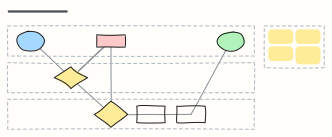 Expense reimbursement
An expense claim across Employee, Manager and Finance lanes: approval, receipt checks, rework and payout.
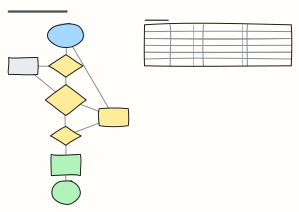 Leave request approval
Check balance and team cover, get the manager's decision and update payroll — plus notice rules by leave type.
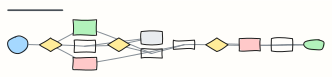 Change request process
ITIL-style change management: standard, normal and emergency changes, CAB approval, rollback and review.
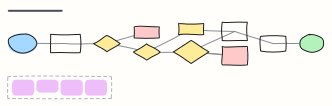 Invoice processing (accounts payable)
Supplier invoice to payment: capture, duplicate check, three-way match, approval and the payment run.
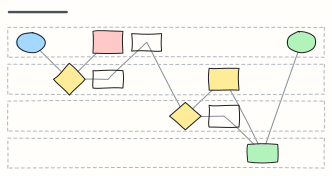 Returns (RMA) process
A product return across Customer, Support, Warehouse and Finance: RMA number, inspection, restock and refund.
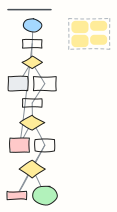 Password reset flow
A secure forgot-password flow: no account enumeration, single-use expiring links, password policy and session revoke.
When to use them
- Documenting how work actually moves between people and systems
- Spotting missing branches, loops and hand-offs before they cause problems
- Onboarding someone to a process in one picture
Working on a flowchart in Kelvo
- Add the next step with Tab
- Select a box and press Tab: a new box appears, already linked. Type its label and press Enter.
- Decisions get both branches
- A decision diamond is offered a “yes” and a “no” branch for any it's missing, on your device and instantly.
- Catch gaps
- Orange badges flag a decision with only one branch, a box that isn't connected, or two boxes with the same label, with a one-click fix.
- Turn a list into a diagram
- Write one step per line (or A -> B -> C) in a sticky, select it and click Make diagram.