IT access request template
Request, approve and provision access to a system, with extra review for admin rights and sensitive data.
Use this templateFree, opens in your browser. No sign-up.
What's on the board
- Denied: requester told why
- System owner + security approve?
- IT provisions a least-privilege role
- Employee requests access in the service portal
- Manager approves?
- Confirm to requester, log in access register
- Quarterly access review
- Enforce MFA, set expiry (90 days for admin)
- Admin rights or sensitive data?
- SLA: standard access within 1 business day, admin access within 3
- Never share accounts. Leavers lose all access on their last day (HR trigger).
How to use this template
- Click Use this template. It opens in the Kelvo app as a new board, saved in your browser.
- Double-click any box to change its text. Replace the examples with your own content.
- Add the next step with Tab. Select a box and press Tab: a new box appears, already linked. Type its label and press Enter.
- Decisions get both branches. A decision diamond is offered a “yes” and a “no” branch for any it's missing, on your device and instantly.
- Catch gaps. Orange badges flag a decision with only one branch, a box that isn't connected, or two boxes with the same label, with a one-click fix.
Good for
- it
- access management
- security
- approval
- Documenting how work actually moves between people and systems
- Spotting missing branches, loops and hand-offs before they cause problems
- Onboarding someone to a process in one picture
Related templates
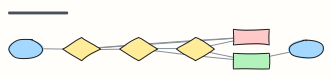 Approval workflow
A request moves through manager and finance approval, with rejection and rework loops.
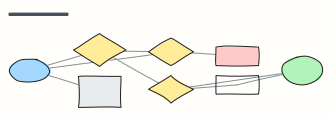 Sign-in flow
Sign in with password, two-factor, lockout and password reset paths.
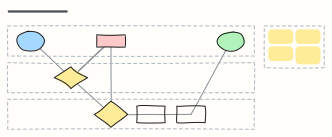 Expense reimbursement
An expense claim across Employee, Manager and Finance lanes: approval, receipt checks, rework and payout.
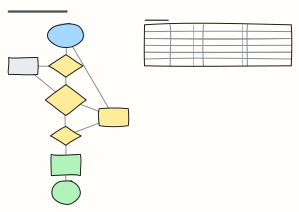 Leave request approval
Check balance and team cover, get the manager's decision and update payroll — plus notice rules by leave type.
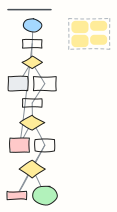 Password reset flow
A secure forgot-password flow: no account enumeration, single-use expiring links, password policy and session revoke.
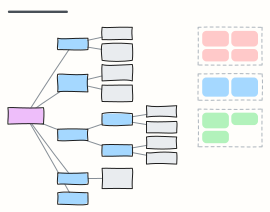 Cloud landing zone (account structure)
A multi-account organization with OUs for security, infrastructure, workloads and sandboxes, plus the guardrails every account gets.