Cloud landing zone (account structure) template
A multi-account organization with OUs for security, infrastructure, workloads and sandboxes, plus the guardrails every account gets.
Use this templateFree, opens in your browser. No sign-up.
What's on the board
- Guardrails (service control policies)
- Deny leaving the organization · Deny disabling CloudTrail / Config · Allow approved regions only · Deny root user actions
- Identity
- IAM Identity Center (SSO) from Okta / Entra ID · Permission sets: admin, developer, read-only
- Baseline in every account
- CloudTrail + Config → log archive · GuardDuty + Security Hub · Budgets + cost alerts
Also on the board
- Log archive account
- Security OU
- Security tooling / audit
- Network hub (Transit Gateway)
- Infrastructure OU
- Shared services (CI/CD, DNS)
- app-a-prod
- Organization root (management account)
- Prod OU
- app-b-prod
- Workloads OU
- app-a-dev
- Non-prod OU
- app-a-staging
- Developer sandboxes (budget-capped)
- Sandbox OU
- Suspended OU
How to use this template
- Click Use this template. It opens in the Kelvo app as a new board, saved in your browser.
- Double-click any box to change its text. Replace the examples with your own content.
- Link by dragging. Hover a box and drag one of its dots onto another box. The whole box is the target, and links stay attached when you move things.
- Sketch, then convert. Draw boxes and arrows with the pen, select the strokes and click Convert sketch: they become real boxes and links.
- Group by environment or region. Draw a frame (F) around a group of services; moving the frame moves everything inside it.
Good for
- aws
- landing zone
- cloud governance
- security
- organizations
- Design reviews and architecture decision meetings
- Runbooks and onboarding for on-call engineers
- Planning a migration or a cost-cutting pass
Related templates
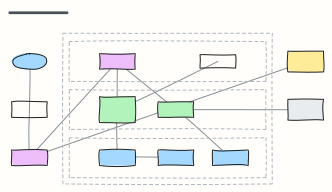 AWS three-tier web app
A highly available web app on AWS: DNS and CDN, load balancer, auto-scaled app servers and Multi-AZ database in a VPC.
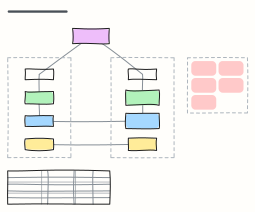 Multi-region disaster recovery
Warm-standby DR across two regions with DNS failover and replicated data, RTO/RPO options and a failover runbook.
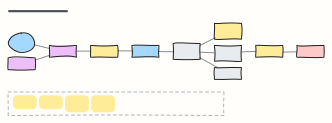 Serverless event-driven app
An AWS serverless order system: API Gateway and Lambda, DynamoDB streams into EventBridge, SQS with a dead-letter queue.
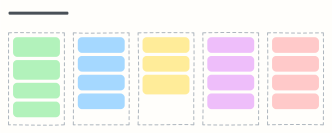 Cloud cost optimization board
FinOps actions sorted from quick wins to governance: clean up, right-size, commit, re-architect and keep costs visible.
 Sign-in flow
Sign in with password, two-factor, lockout and password reset paths.
 IT access request
Request, approve and provision access to a system, with extra review for admin rights and sensitive data.