Your code, drawn by your coding tool
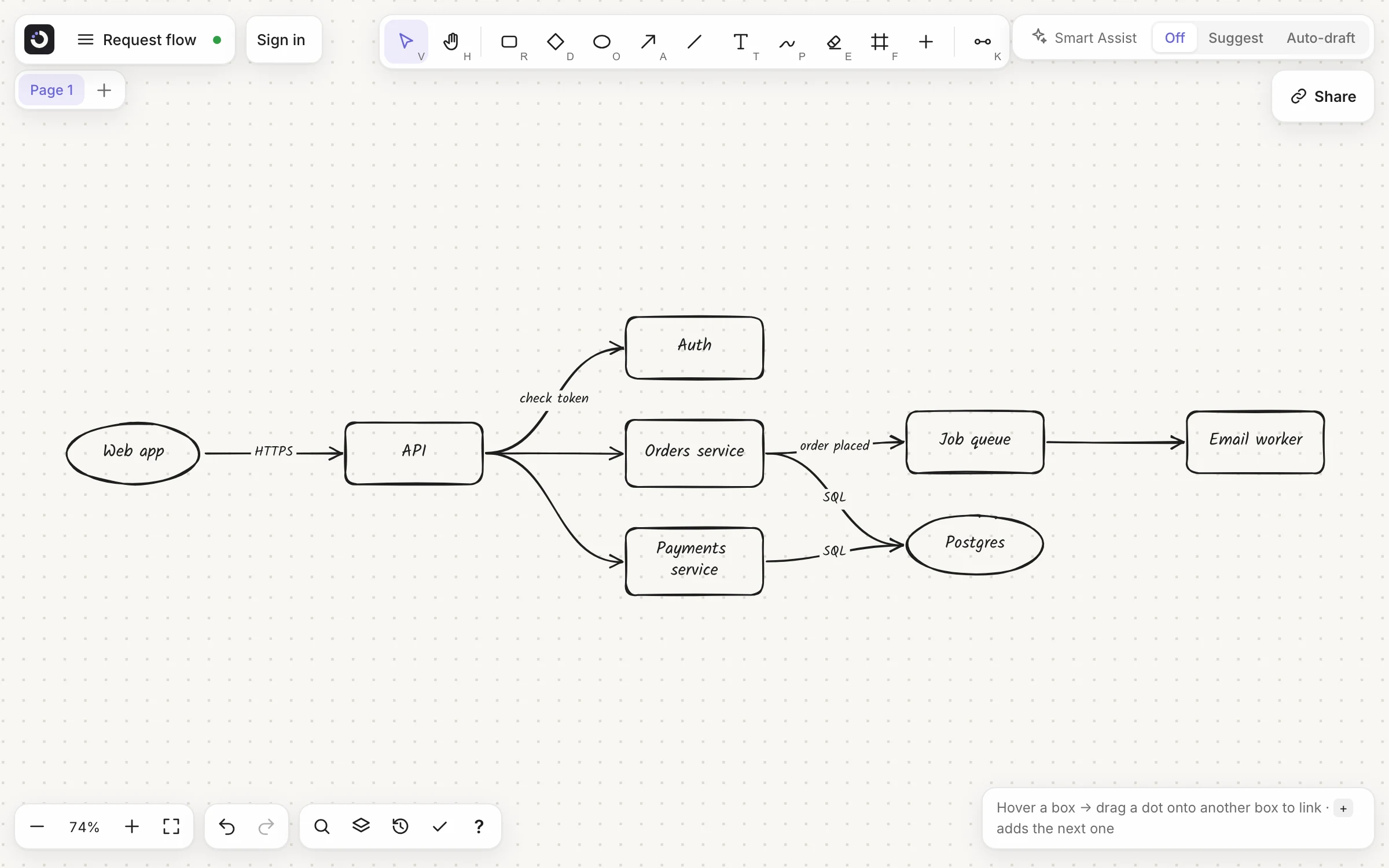
Ask Claude Code, Codex, GitHub Copilot, Cursor or any MCP tool for a diagram of your code. Kelvo draws it in your project, hand-drawn: a picture for your README and pull requests, and a board you can still edit.
Set it up in your toolPro+ makes and changes diagrams. Reading them is free.
How it works
- Ask. “Draw how a request goes through this API as docs/request-flow.kelvo.svg.” Your tool reads the code and calls Kelvo.
- Kelvo draws it. Boxes sized to their labels, links between them, laid out by the same Tidy up the app uses: steps in one direction, few crossings, room for the labels.
- It lives in your repo. A
.kelvo.svgis an ordinary picture: GitHub, GitLab, pull requests and READMEs show it, linked like any other image. - Edit it by hand, or ask again. Say “open it in Kelvo” and it opens in your browser as one of your boards. Or ask the tool to add a step, rename a box or tidy it: it reads the diagram and changes it.
Set up in a minute
Sign in once on your computer with npx @kelvoapp/mcp login (it opens your browser to confirm a code), then add Kelvo to your tool:
- Claude Code:
claude mcp add -s user kelvo -- npx -y @kelvoapp/mcp - Codex:
codex mcp add kelvo -- npx -y @kelvoapp/mcp - GitHub Copilot CLI:
copilot mcp add kelvo -- npx -y @kelvoapp/mcp - Copilot in VS Code:
.vscode/mcp.json → "servers": { "kelvo": { "type": "stdio", "command": "npx", "args": ["-y", "@kelvoapp/mcp"] } } - Cursor, Gemini CLI, Windsurf:
"mcpServers": { "kelvo": { "command": "npx", "args": ["-y", "@kelvoapp/mcp"] } } - OpenCode:
"mcp": { "kelvo": { "type": "local", "command": ["npx", "-y", "@kelvoapp/mcp"] } }
Claude Desktop, any other MCP tool, and the details for each: the setup guide. It needs Node.js 20 or later.
Not in a coding tool? Any board copies as Markdown, flowcharts as Mermaid, for a README or a chat with an AI: Markdown and Mermaid.
What stays on your computer
- Your code. Your coding tool reads it, as it always does. Kelvo's MCP server runs on your computer: it only gets the boxes and links your tool asks it to draw, and writes the file in your project.
- Your diagrams. They're files in your repo. Opening one in Kelvo sends the board to your browser inside the link itself, after the
#, a part of an address that never reaches a server. - Only diagram files, only in your project. Kelvo writes
.kelvo.svgand.kelvofiles inside the folders your tool has open, and never replaces a file that isn't a Kelvo board. - Your plan, checked offline. Signing in leaves a licence on your computer that Kelvo checks without the internet. It renews about once a day when you're online.
The tools it gives your coding tool
create_diagram: a whole diagram from boxes and links, laid out by itselfedit_diagram: add, rename, reshape or delete boxes and links; new boxes go next to the one they followread_diagramandtidy_diagram: read a diagram back, or re-arrange itopen_in_kelvo: open a diagram in your browser as a board;export_svg: turn a.kelvoboard into a picture
Coming next
Not built yet. Dashed means planned, as on the board.
- Mermaid import
- Turn a Mermaid flowchart into a board, by import or by paste.
- A VS Code extension
- Open and edit .kelvo.svg diagrams right in your editor.
- Export from the command line
- npx @kelvoapp/mcp export board.kelvo --svg, for docs builds and CI.
Questions
Which AI coding tools does it work with?
Any tool that supports MCP servers on your computer (stdio): Claude Code, Codex (CLI and IDE extension), GitHub Copilot in VS Code and Copilot CLI, Cursor, OpenCode, Gemini CLI, Windsurf, Claude Desktop and others. Copilot's coding agent on github.com runs in the cloud and isn't supported.
Which plan do I need?
Making and changing diagrams from your coding tool is part of Kelvo Pro+. Reading diagrams and opening them in Kelvo work on every plan, and anyone can view the pictures.
Does Kelvo see my code?
No. Your coding tool reads your code, as it always does, and asks Kelvo's MCP server, running on your computer, to draw the boxes and links it chose. The server writes the diagram file in your project. The only thing it asks Kelvo's servers is your plan.
Can I edit a diagram after the tool drew it?
Yes. Ask the tool to change it (it reads the file and edits it), or open it in Kelvo and edit it by hand: drop the .kelvo.svg onto the app, or ask the tool to open it in Kelvo.
Is it a Mermaid alternative?
It does a similar job: a diagram kept next to your code. A Kelvo diagram is a picture that works everywhere a picture does and stays a hand-drawn board you can rearrange by hand, instead of text that is drawn when it's shown. And in the app, Copy as Markdown turns a board's flowcharts into Mermaid.
Start from a template
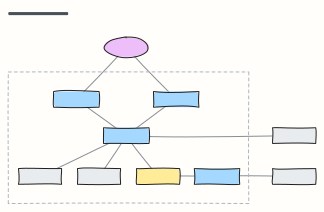 C4 container diagram
C4 level 2: the apps, APIs, databases and queues inside the system boundary, with the technology on each link.
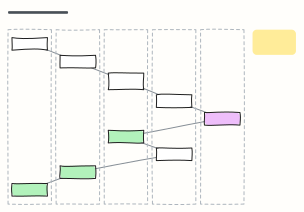 Sequence diagram (request flow)
Numbered steps across Client, API gateway, service, database and a third party — how one checkout request really travels.
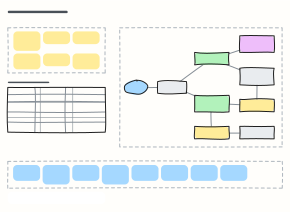 System design interview board
Work a system design question on one board: requirements, estimates, the high-level design and deep dives.
 ER diagram (database schema)
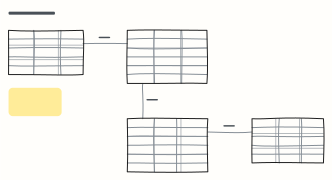
Entities as tables with columns, types and keys, joined by one-to-many relationships — sketch a schema before the migration.