Sign-in flow template
Sign in with password, two-factor, lockout and password reset paths.
Use this templateFree, opens in your browser. No sign-up.
What's on the board
- Email + password correct?
- 5 failed tries?
- Lock 15 min + email user
- Signed in → dashboard
- Sign-in page
- 2FA enabled?
- Enter 2FA code
- Forgot password: send reset link
How to use this template
- Click Use this template. It opens in the Kelvo app as a new board, saved in your browser.
- Double-click any box to change its text. Replace the examples with your own content.
- Add the next step with Tab. Select a box and press Tab: a new box appears, already linked. Type its label and press Enter.
- Decisions get both branches. A decision diamond is offered a “yes” and a “no” branch for any it's missing, on your device and instantly.
- Catch gaps. Orange badges flag a decision with only one branch, a box that isn't connected, or two boxes with the same label, with a one-click fix.
Good for
- login
- authentication
- user flow
- security
- Documenting how work actually moves between people and systems
- Spotting missing branches, loops and hand-offs before they cause problems
- Onboarding someone to a process in one picture
Related templates
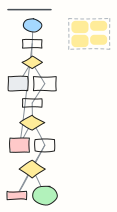 Password reset flow
A secure forgot-password flow: no account enumeration, single-use expiring links, password policy and session revoke.
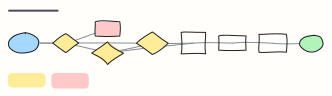 IT access request
Request, approve and provision access to a system, with extra review for admin rights and sensitive data.
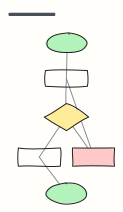 Basic flowchart
Start, steps, a decision with yes/no branches, and an end — the classic shape to build from.
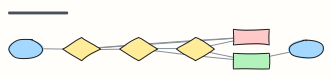 Approval workflow
A request moves through manager and finance approval, with rejection and rework loops.
 Cloud landing zone (account structure)
A multi-account organization with OUs for security, infrastructure, workloads and sandboxes, plus the guardrails every account gets.
 Checkout user flow
Every screen and decision from cart to order confirmation, including guest checkout and payment errors.