Checkout user flow template
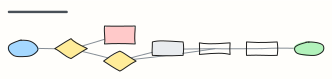
Every screen and decision from cart to order confirmation, including guest checkout and payment errors.
Use this templateFree, opens in your browser. No sign-up.
What's on the board
- Show error, keep the cart
- Signed in?
- Payment OK?
- Guest checkout or sign in
- Cart
- Shipping address
- Delivery option
- Payment
- Order confirmation + email
How to use this template
- Click Use this template. It opens in the Kelvo app as a new board, saved in your browser.
- Double-click any box to change its text. Replace the examples with your own content.
- Sketch, then convert. Draw boxes and arrows with the pen, select the strokes and click Convert sketch: they become real boxes and links.
- Add notes fast. Press S for a sticky note in the middle of your view. A sticky is a box like any other: link it, recolour it, resize it.
- Link by dragging. Hover a box and drag one of its dots onto another box. The whole box is the target, and links stay attached when you move things.
Good for
- user flow
- checkout
- ecommerce
- ux
- Synthesising research into personas and journeys
- Mapping a user flow before designing screens
- Planning and reporting a usability test
Related templates
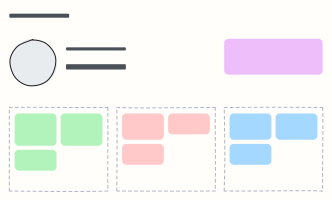 User persona
A one-page portrait of a key user: who they are, what they want, what gets in their way.
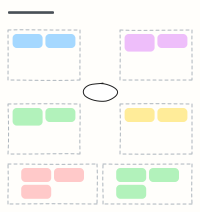 Empathy map
Capture what a user says, thinks, does and feels, plus their pains and gains, after interviews.
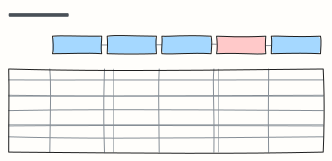 Customer journey map
Follow a customer through each stage: what they do, where, what they think and feel, and where to improve.
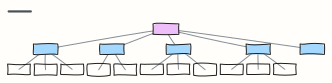 Website sitemap
The page hierarchy of a marketing site, from home to every section and sub-page.
 Order fulfillment
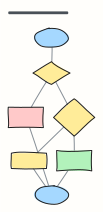
An e-commerce order from checkout to delivery, including payment failure and stock-outs.
 Refund request process
Check eligibility, choose refund or exchange, and close the loop with the customer.