Cloud cost optimization board template
FinOps actions sorted from quick wins to governance: clean up, right-size, commit, re-architect and keep costs visible.
Use this templateFree, opens in your browser. No sign-up.
What's on the board
- Quick wins
- Delete unattached EBS volumes + old snapshots · Stop dev / test instances at night (save ~65%) · S3 lifecycle: move old data to Glacier · Release unused Elastic IPs
- Right-size
- Downsize instances under 20% CPU · Move to Graviton (ARM), ~20% cheaper · Tune Kubernetes requests / limits · gp2 → gp3 volumes
- Commit & save
- Savings Plans for steady base load · Reserved Instances for databases · Spot for CI, batch + stateless (up to 90% off)
- Architect for cost
- Serverless for spiky workloads · Cache to cut DB load + egress · CDN in front of downloads · Keep traffic in one AZ where safe
- Govern
- Tag everything: team, env, cost-center · Budgets + anomaly alerts · Monthly FinOps review · Show each team its own bill
How to use this template
- Click Use this template. It opens in the Kelvo app as a new board, saved in your browser.
- Double-click any box to change its text. Replace the examples with your own content.
- Link by dragging. Hover a box and drag one of its dots onto another box. The whole box is the target, and links stay attached when you move things.
- Sketch, then convert. Draw boxes and arrows with the pen, select the strokes and click Convert sketch: they become real boxes and links.
- Group by environment or region. Draw a frame (F) around a group of services; moving the frame moves everything inside it.
Good for
- finops
- cloud
- cost
- aws
- devops
- Design reviews and architecture decision meetings
- Runbooks and onboarding for on-call engineers
- Planning a migration or a cost-cutting pass
Related templates
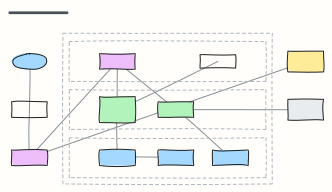 AWS three-tier web app
A highly available web app on AWS: DNS and CDN, load balancer, auto-scaled app servers and Multi-AZ database in a VPC.
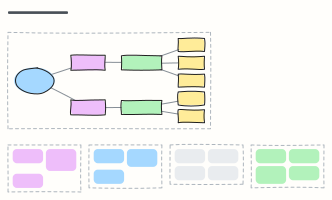 Kubernetes cluster overview
Ingress, services, deployments and pods in a namespace, with config, storage, control plane and add-ons around them.
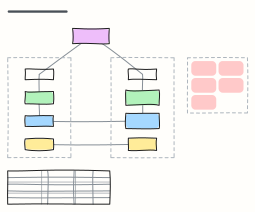 Multi-region disaster recovery
Warm-standby DR across two regions with DNS failover and replicated data, RTO/RPO options and a failover runbook.
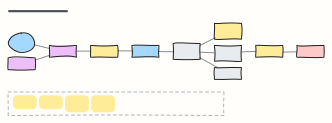 Serverless event-driven app
An AWS serverless order system: API Gateway and Lambda, DynamoDB streams into EventBridge, SQS with a dead-letter queue.
 Infrastructure-as-code workflow
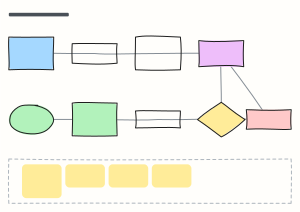
The Terraform change workflow: branch, checks, plan on the PR, review, merge, apply with locked state, and drift detection.
 AWS VPC network layout
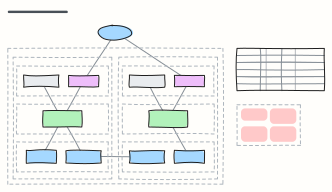
A two-AZ AWS VPC with public, private and data subnets, internet and NAT gateways, route tables and security groups.