Kubernetes cluster overview template
Ingress, services, deployments and pods in a namespace, with config, storage, control plane and add-ons around them.
Use this templateFree, opens in your browser. No sign-up.
What's on the board
- Namespace: prod
- Pod web-1 · Service: web (ClusterIP) · Deployment: web, 3 replicas · Pod web-2 · Ingress (NGINX): app.example.com · Pod web-3 · Pod api-1 · Service: api (ClusterIP)
- Config & secrets
- ConfigMap: app settings · Secret: DB password via External Secrets · ServiceAccount + RBAC role
- Stateful data
- StatefulSet: postgres · PersistentVolumeClaim 50 Gi · Nightly backup CronJob
- Control plane (managed: EKS / GKE / AKS)
- kube-apiserver · etcd · scheduler · controller-manager
- Cluster add-ons
- cert-manager (TLS) · Prometheus + Grafana · Karpenter / cluster autoscaler · Argo CD (GitOps)
How to use this template
- Click Use this template. It opens in the Kelvo app as a new board, saved in your browser.
- Double-click any box to change its text. Replace the examples with your own content.
- Link by dragging. Hover a box and drag one of its dots onto another box. The whole box is the target, and links stay attached when you move things.
- Sketch, then convert. Draw boxes and arrows with the pen, select the strokes and click Convert sketch: they become real boxes and links.
- Group by environment or region. Draw a frame (F) around a group of services; moving the frame moves everything inside it.
Good for
- kubernetes
- k8s
- devops
- containers
- cloud
- Design reviews and architecture decision meetings
- Runbooks and onboarding for on-call engineers
- Planning a migration or a cost-cutting pass
Related templates
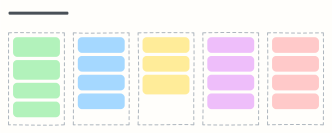 Cloud cost optimization board
FinOps actions sorted from quick wins to governance: clean up, right-size, commit, re-architect and keep costs visible.
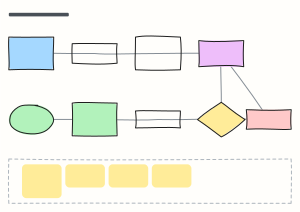 Infrastructure-as-code workflow
The Terraform change workflow: branch, checks, plan on the PR, review, merge, apply with locked state, and drift detection.
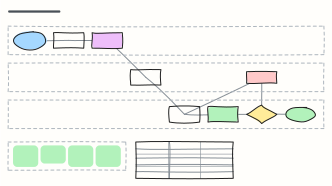 GitOps workflow (Argo CD)
Deploy by pull request: CI builds the image, a config-repo PR bumps the tag, and Argo CD syncs the cluster to match git.
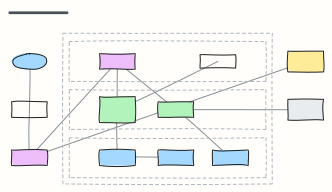 AWS three-tier web app
A highly available web app on AWS: DNS and CDN, load balancer, auto-scaled app servers and Multi-AZ database in a VPC.
 CI/CD pipeline with quality gates
From pull request to production: build, tests, security scans, staging, approval and canary release, with the gates in between.
 C4 container diagram
C4 level 2: the apps, APIs, databases and queues inside the system boundary, with the technology on each link.