Team and HR templates
Boards for building and growing a team: org charts, onboarding plans, hiring pipelines, interview scorecards, career ladders and skills matrices.
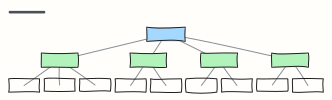 Org chart
A company org chart from CEO to teams — rename the boxes, Tab adds a report.
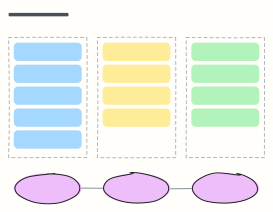 30-60-90 day plan
A new hire's first three months: learn, contribute, own — with a check-in at the end of each phase.
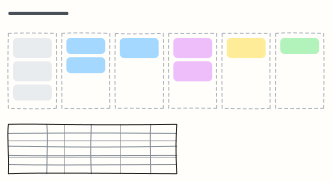 Hiring pipeline
Track candidates from sourcing to hire, one column per stage, with owners and time limits for each stage.
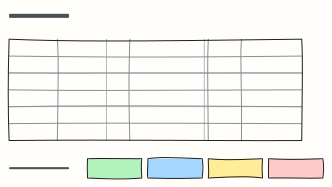 Interview scorecard
Score candidates on the same competencies with clear signals, questions and a 1–4 scale, then decide.
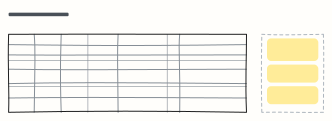 Career ladder
Levels from associate to principal, each with its scope, expected impact and typical behaviours.
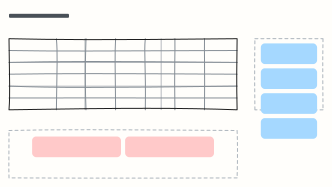 Skills matrix
Who knows what on the team, rated 1–4, so you can spot single points of failure and plan training.
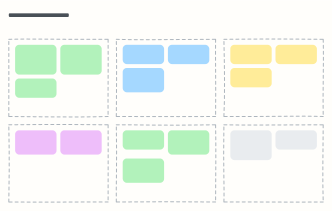 Performance review
A review conversation on one page: results, strengths, growth areas, peer feedback and a development plan.
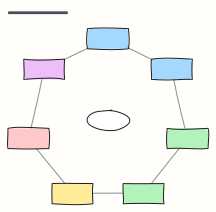 Employee lifecycle
The seven stages of the employee journey, from attracting talent to alumni, with what HR does at each.
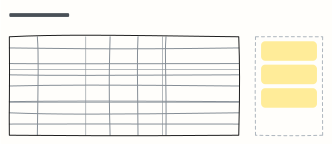 Team health check
Rate the team green, amber or red on the areas that matter, note the trend, and agree on actions.
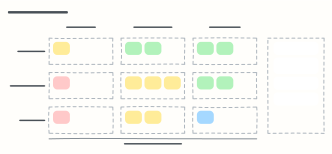 9-box talent grid
Place each person by performance and potential on the 9-box grid, with the next step for every box, for talent reviews.
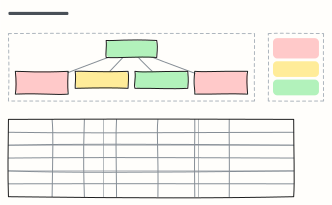 Succession plan
Map critical roles by risk of loss, name successors by readiness, and list what each one needs to be ready.
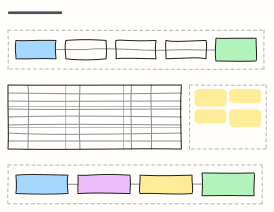 Training plan
Design a training program from needs analysis to evaluation, with a session schedule and Kirkpatrick measures.
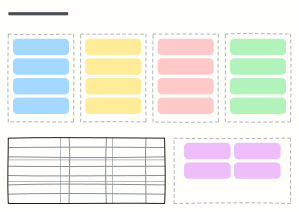 Offboarding checklist
Everything to do when someone leaves, from resignation to after their last day, plus the access to revoke and exit questions.
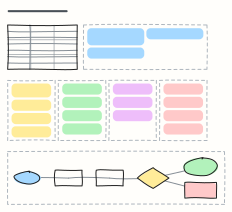 Job description builder
Draft a job description section by section, from role summary to benefits, then take it through review to publishing.
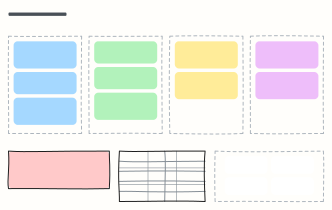 Kudos board
A team wall of thank-yous sorted by company value, with a shout-out of the month and tips for giving great kudos.
When to use them
- Planning a new hire's first three months
- Making hiring and promotion criteria explicit
- Seeing team structure and skills at a glance
Working on a team board in Kelvo
- Add the next step with Tab
- Select a box and press Tab: a new box appears, already linked. Type its label and press Enter.
- Paste a table
- Paste comma- or tab-separated text and it becomes a table. Tab moves to the next cell and adds rows as you go.
- Add notes fast
- Press S for a sticky note in the middle of your view. A sticky is a box like any other: link it, recolour it, resize it.
- Private by default
- Boards are stored on your device and never uploaded, which suits notes about people.