Education and personal planning templates
Templates for studying, teaching and planning your own time: concept maps, Cornell notes, KWL charts, timelines, essay outlines, planners and habit trackers. They work offline, so they're handy in class or on the move.
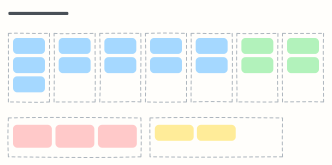 Weekly planner
Seven day columns for appointments and tasks, with your top three priorities and notes for the week.
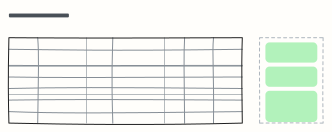 Exam study plan
A week-by-week revision plan with topics, practice and hours, plus your exam goal and weak spots.
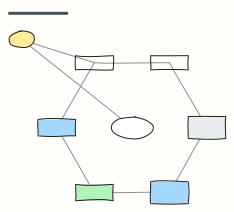 Concept map
Concepts linked by labelled relationships, shown with the water cycle — swap in any topic you're learning.
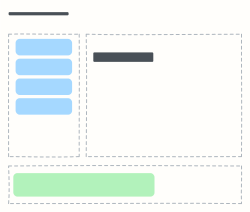 Cornell notes
The Cornell note-taking layout: cues and questions on the left, notes on the right, summary at the bottom.
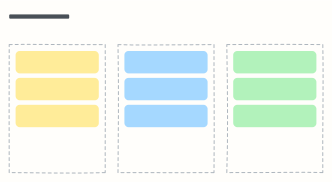 KWL chart
What I Know, what I Want to know, what I Learned — before, during and after studying a topic.
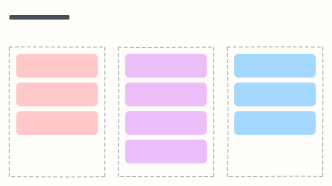 Compare and contrast
A Venn-style chart in three columns: what's only true of A, what both share, and what's only true of B.
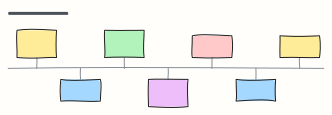 Timeline of events
Key events along a line, alternating above and below — shown with milestones in the history of science.
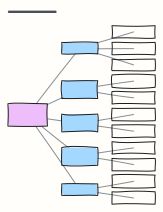 Essay outline
Thesis, introduction, three body paragraphs with evidence, a counter-argument and a conclusion.
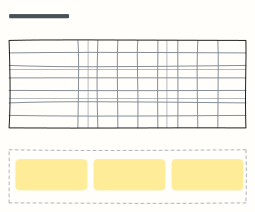 Habit tracker
Tick off daily habits for the week, track streaks, and reflect on what helped or got in the way.
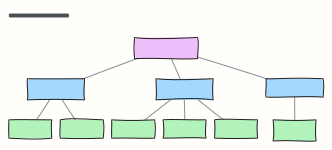 Family tree
Three generations from grandparents to grandchildren — rename the boxes and add branches with Tab.
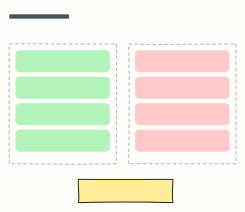 Pros and cons
Weigh a decision with pros and cons side by side, then write down the decision and the next step.
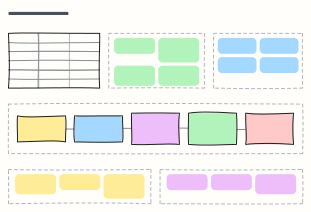 Lesson plan
Plan one lesson: objectives, materials, a timed flow from warm-up to exit ticket, differentiation and assessment.
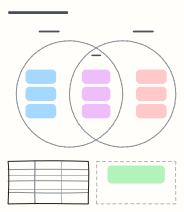 Venn diagram
Two overlapping circles to sort what's unique to each idea and what they share — shown with mitosis and meiosis.
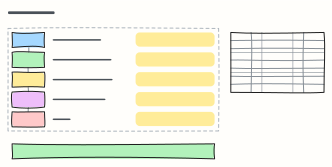 SMART goals
Turn a vague wish into a goal that's Specific, Measurable, Achievable, Relevant and Time-bound, with milestones.
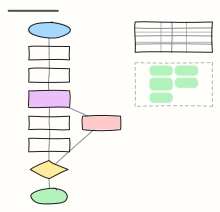 Scientific method
The scientific method as a flowchart, from observation to conclusion, with a worked plant experiment and its variables.
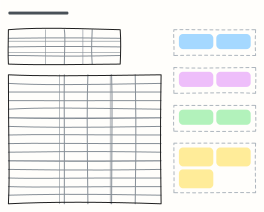 Personal budget
A monthly budget with income, planned vs actual spending by category, and a 50/30/20 check on needs, wants and savings.
 Book report
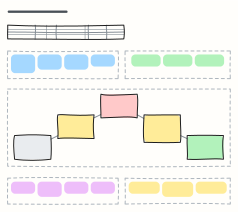
A book report on one board: details, characters, setting, a plot diagram from exposition to resolution, themes and your review.
When to use them
- Organising notes and connecting ideas while studying
- Planning an essay or a revision schedule
- Teaching with a visual structure students can fill in
Working on a study board in Kelvo
- Grow branches
- On a mind map, Tab adds a branch and ⌘↵ adds a sibling. Branches arrange themselves on both sides of the centre.
- Link by dragging
- Hover a box and drag one of its dots onto another box. The whole box is the target, and links stay attached when you move things.
- Write with a pencil
- On an iPad, draw with the pen; hold still at the end of a stroke to snap it into a clean shape.
- Share it
- Save the board as a .kelvo file anyone can import. With a free account, export the page as PNG or SVG, or copy it as an image with ⌘⇧C.