Family tree template
Three generations from grandparents to grandchildren — rename the boxes and add branches with Tab.
Use this templateFree, opens in your browser. No sign-up.
What's on the board
- John & Mary Smith Grandparents
- Robert Smith & Linda Brown
- Susan Smith & David Lee
- Michael Smith
- Emma Smith
- Noah Smith
- Olivia Lee
- Liam Lee
- Ava Lee
- Sophia Smith
How to use this template
- Click Use this template. It opens in the Kelvo app as a new board, saved in your browser.
- Double-click any box to change its text. Replace the examples with your own content.
- Grow branches. On a mind map, Tab adds a branch and ⌘↵ adds a sibling. Branches arrange themselves on both sides of the centre.
- Link by dragging. Hover a box and drag one of its dots onto another box. The whole box is the target, and links stay attached when you move things.
- Write with a pencil. On an iPad, draw with the pen; hold still at the end of a stroke to snap it into a clean shape.
Good for
- family tree
- genealogy
- family
- history
- Organising notes and connecting ideas while studying
- Planning an essay or a revision schedule
- Teaching with a visual structure students can fill in
Related templates
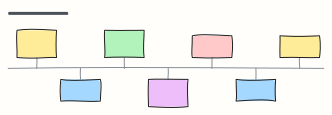 Timeline of events
Key events along a line, alternating above and below — shown with milestones in the history of science.
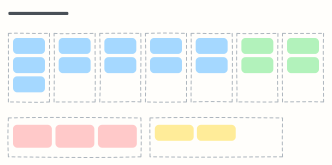 Weekly planner
Seven day columns for appointments and tasks, with your top three priorities and notes for the week.
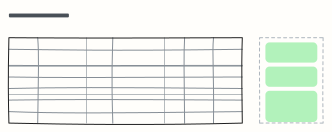 Exam study plan
A week-by-week revision plan with topics, practice and hours, plus your exam goal and weak spots.
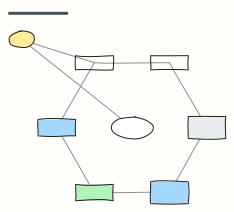 Concept map
Concepts linked by labelled relationships, shown with the water cycle — swap in any topic you're learning.
 Cornell notes
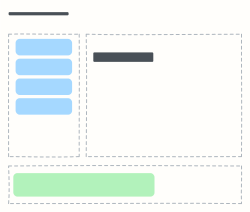
The Cornell note-taking layout: cues and questions on the left, notes on the right, summary at the bottom.
 KWL chart
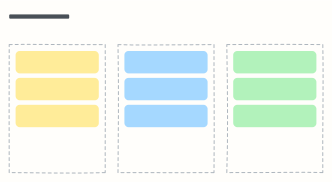
What I Know, what I Want to know, what I Learned — before, during and after studying a topic.
All education and personal planning templates · All templates