Personal budget template
A monthly budget with income, planned vs actual spending by category, and a 50/30/20 check on needs, wants and savings.
Use this templateFree, opens in your browser. No sign-up.
What's on the board
- Needs · 50%
- Planned: $2,100 · Actual: $2,132 (51%)
- Wants · 30%
- Planned: $1,260 · Actual: $1,195 (28%)
- Savings and debt · 20%
- Planned: $840 · Actual: $840 (20%)
- Notes for next month
- Groceries over by $60: plan meals on Sunday · Eating out over by $65: cap at 2 meals a week · Move the $153 left over into the travel fund
Table 1 columns: Income, Planned, Actual.
Table 2 columns: Expense, Type, Planned, Actual, Difference.
How to use this template
- Click Use this template. It opens in the Kelvo app as a new board, saved in your browser.
- Double-click any box to change its text. Replace the examples with your own content.
- Grow branches. On a mind map, Tab adds a branch and ⌘↵ adds a sibling. Branches arrange themselves on both sides of the centre.
- Link by dragging. Hover a box and drag one of its dots onto another box. The whole box is the target, and links stay attached when you move things.
- Write with a pencil. On an iPad, draw with the pen; hold still at the end of a stroke to snap it into a clean shape.
Good for
- budget
- personal finance
- 50/30/20
- money
- Organising notes and connecting ideas while studying
- Planning an essay or a revision schedule
- Teaching with a visual structure students can fill in
Related templates
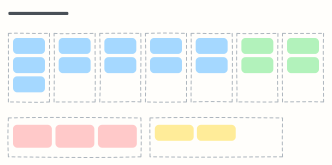 Weekly planner
Seven day columns for appointments and tasks, with your top three priorities and notes for the week.
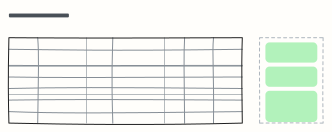 Exam study plan
A week-by-week revision plan with topics, practice and hours, plus your exam goal and weak spots.
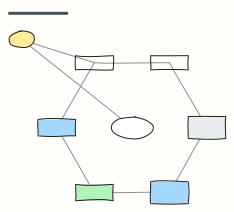 Concept map
Concepts linked by labelled relationships, shown with the water cycle — swap in any topic you're learning.
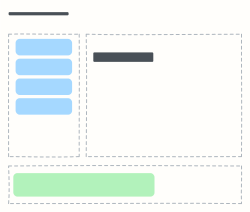 Cornell notes
The Cornell note-taking layout: cues and questions on the left, notes on the right, summary at the bottom.
 Campaign plan
One page for a marketing campaign: goal, audience, message, channels, budget and how you'll measure it.
 Marketing budget
Split a yearly marketing budget across channels and quarters, see each channel's share, and agree the rules for moving money.
All education and personal planning templates · All templates