Campaign plan template
One page for a marketing campaign: goal, audience, message, channels, budget and how you'll measure it.
Use this templateFree, opens in your browser. No sign-up.
What's on the board
- 1. Goal & KPIs
- Goal: 500 qualified leads in 6 weeks · KPI: cost per lead under $40 · KPI: 15% lead → demo
- 2. Audience
- Ops managers at 50–500 person companies · Pain: manual weekly reporting · Already use spreadsheets + Slack
- 3. Message & offer
- Core message: reports that write themselves · Offer: free reporting template pack · Proof: 3 customer quotes
- 4. Channels
- LinkedIn ads (lead form) · Partner newsletter swap · Webinar with a customer · Retargeting on site visitors
- 5. Budget & timeline
- Total budget: $20k · Wk 1–2: assets, Wk 3–6: live · Weekly review every Monday
- 6. Measure & learn
- Dashboard: leads by channel, CPL · A/B test 2 headlines · Retro at week 7: keep, kill, scale
How to use this template
- Click Use this template. It opens in the Kelvo app as a new board, saved in your browser.
- Double-click any box to change its text. Replace the examples with your own content.
- Paste a table. Paste comma- or tab-separated text and it becomes a table. Tab moves to the next cell and adds rows as you go.
- Add notes fast. Press S for a sticky note in the middle of your view. A sticky is a box like any other: link it, recolour it, resize it.
- Add the next step with Tab. Select a box and press Tab: a new box appears, already linked. Type its label and press Enter.
Good for
- campaign
- marketing plan
- budget
- channels
- Planning a launch or campaign end to end
- Aligning sales and marketing on who the customer is
- Reviewing the funnel to find the weakest step
Related templates
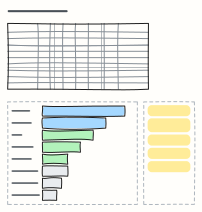 Marketing budget
Split a yearly marketing budget across channels and quarters, see each channel's share, and agree the rules for moving money.
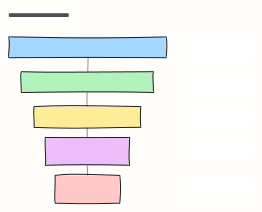 Marketing funnel (AARRR)
The pirate-metrics funnel: Acquisition, Activation, Retention, Referral, Revenue, each with the metric to watch.
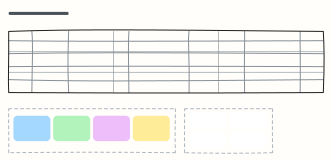 Content calendar
Plan a month of content across blog, newsletter and social, with themes, owners and content pillars.
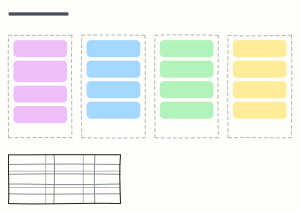 Go-to-market plan
Positioning, pre-launch, launch week and the first 90 days, with the metrics that define success.
 Sales pipeline
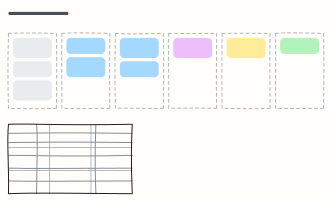
Deals moving from lead to closed-won, one column per stage, with exit criteria for each stage.
 Personal budget
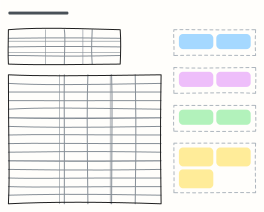
A monthly budget with income, planned vs actual spending by category, and a 50/30/20 check on needs, wants and savings.