Sales pipeline template
Deals moving from lead to closed-won, one column per stage, with exit criteria for each stage.
Use this templateFree, opens in your browser. No sign-up.
What's on the board
- Lead
- Northwind · $8k Inbound demo request · Globex · $15k Webinar attendee · Initech · $5k Referral from partner
- Qualified
- Acme Corp · $24k Budget confirmed · Umbrella · $12k Champion: Head of Ops
- Demo
- Stark Ltd · $30k Demo booked Tue 10:00 · Wayne Inc · $18k Needs SSO
- Proposal
- Hooli · $40k Proposal sent, follow up Fri
- Negotiation
- Soylent · $22k Legal review of contract
- Closed won
- Vandelay · $16k Signed 3 Nov
Table columns: Stage, Exit criteria, Win probability.
How to use this template
- Click Use this template. It opens in the Kelvo app as a new board, saved in your browser.
- Double-click any box to change its text. Replace the examples with your own content.
- Paste a table. Paste comma- or tab-separated text and it becomes a table. Tab moves to the next cell and adds rows as you go.
- Add notes fast. Press S for a sticky note in the middle of your view. A sticky is a box like any other: link it, recolour it, resize it.
- Add the next step with Tab. Select a box and press Tab: a new box appears, already linked. Type its label and press Enter.
Good for
- sales
- pipeline
- crm
- deals
- Planning a launch or campaign end to end
- Aligning sales and marketing on who the customer is
- Reviewing the funnel to find the weakest step
Related templates
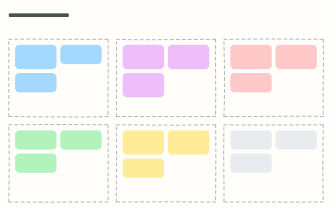 Ideal customer profile (ICP)
Who to sell to: company traits, buyer roles, pains, buying triggers, where to find them and red flags.
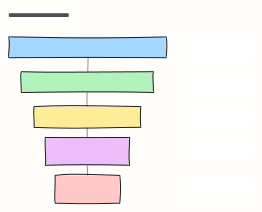 Marketing funnel (AARRR)
The pirate-metrics funnel: Acquisition, Activation, Retention, Referral, Revenue, each with the metric to watch.
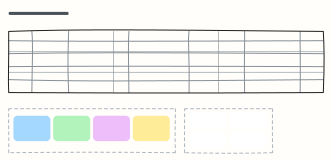 Content calendar
Plan a month of content across blog, newsletter and social, with themes, owners and content pillars.
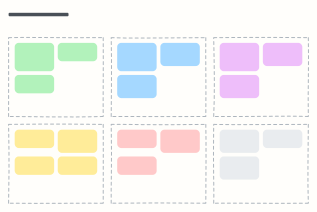 Campaign plan
One page for a marketing campaign: goal, audience, message, channels, budget and how you'll measure it.
 CI/CD pipeline with quality gates
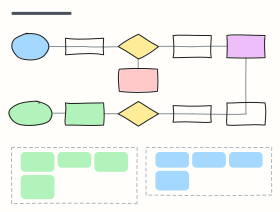
From pull request to production: build, tests, security scans, staging, approval and canary release, with the gates in between.
 Hiring pipeline
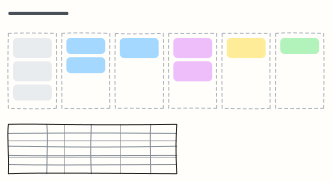
Track candidates from sourcing to hire, one column per stage, with owners and time limits for each stage.