Marketing budget template
Split a yearly marketing budget across channels and quarters, see each channel's share, and agree the rules for moving money.
Use this templateFree, opens in your browser. No sign-up.
What's on the board
- Annual split by channel ($500k)
- $130k · Paid search · $100k · LinkedIn ads · $80k · Events · $60k · Content & SEO
- Rules for moving money
- Move up to 10% between channels without sign-off · Pause a channel after 6 weeks at 2× its target cost per lead · Events need an ROI forecast before booking · Keep $15k of paid search for tests · CFO review at the end of each quarter
Table columns: Channel, Q1, Q2, Q3, Q4, Total, Share, Target cost per lead.
How to use this template
- Click Use this template. It opens in the Kelvo app as a new board, saved in your browser.
- Double-click any box to change its text. Replace the examples with your own content.
- Paste a table. Paste comma- or tab-separated text and it becomes a table. Tab moves to the next cell and adds rows as you go.
- Add notes fast. Press S for a sticky note in the middle of your view. A sticky is a box like any other: link it, recolour it, resize it.
- Add the next step with Tab. Select a box and press Tab: a new box appears, already linked. Type its label and press Enter.
Good for
- marketing budget
- budget
- channels
- spend
- planning
- Planning a launch or campaign end to end
- Aligning sales and marketing on who the customer is
- Reviewing the funnel to find the weakest step
Related templates
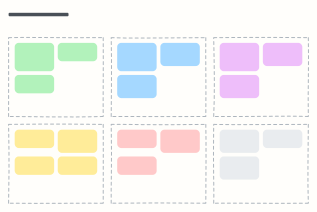 Campaign plan
One page for a marketing campaign: goal, audience, message, channels, budget and how you'll measure it.
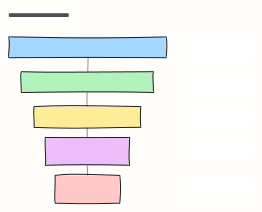 Marketing funnel (AARRR)
The pirate-metrics funnel: Acquisition, Activation, Retention, Referral, Revenue, each with the metric to watch.
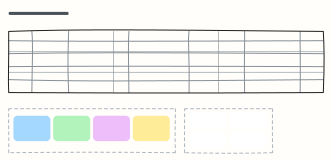 Content calendar
Plan a month of content across blog, newsletter and social, with themes, owners and content pillars.
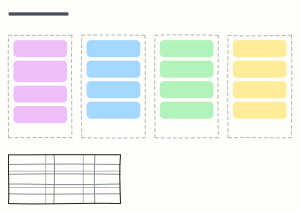 Go-to-market plan
Positioning, pre-launch, launch week and the first 90 days, with the metrics that define success.
 Solution architecture canvas
Frame a solution on one page: goals, stakeholders, scope, qualities, constraints, integrations, decisions, risks and roadmap.
 Tech debt prioritization
Sort tech debt by impact and effort so the team fixes quick wins first and plans the big ones.