Go-to-market plan template
Positioning, pre-launch, launch week and the first 90 days, with the metrics that define success.
Use this templateFree, opens in your browser. No sign-up.
What's on the board
- 1. Positioning
- Segment: agencies with 20–200 staff · Problem: client reporting takes 6 h a week · Promise: reports that write themselves · Proof: 3 beta case studies
- 2. Pre-launch (6 weeks)
- Beta waitlist + early-access offer · Train sales and support · Pricing page and FAQ live · Press and partner outreach
- 3. Launch week
- Launch post + email to waitlist · Product Hunt and communities · Live demo webinar · Founder posts on LinkedIn
- 4. First 90 days
- Weekly metrics review · One case study a month · Test 2 paid channels · Win / loss interviews
Table columns: Success metric, Target (90 days), Owner.
How to use this template
- Click Use this template. It opens in the Kelvo app as a new board, saved in your browser.
- Double-click any box to change its text. Replace the examples with your own content.
- Paste a table. Paste comma- or tab-separated text and it becomes a table. Tab moves to the next cell and adds rows as you go.
- Add notes fast. Press S for a sticky note in the middle of your view. A sticky is a box like any other: link it, recolour it, resize it.
- Add the next step with Tab. Select a box and press Tab: a new box appears, already linked. Type its label and press Enter.
Good for
- go-to-market
- gtm
- launch
- positioning
- Planning a launch or campaign end to end
- Aligning sales and marketing on who the customer is
- Reviewing the funnel to find the weakest step
Related templates
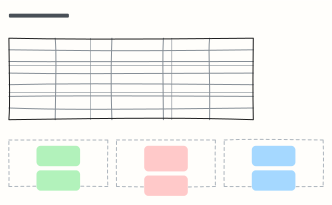 Competitor analysis
Compare competitors side by side on customer, price, strengths and weaknesses, then mark where you win.
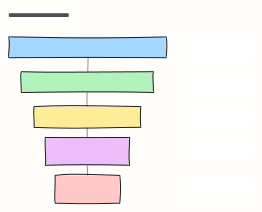 Marketing funnel (AARRR)
The pirate-metrics funnel: Acquisition, Activation, Retention, Referral, Revenue, each with the metric to watch.
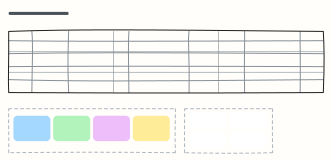 Content calendar
Plan a month of content across blog, newsletter and social, with themes, owners and content pillars.
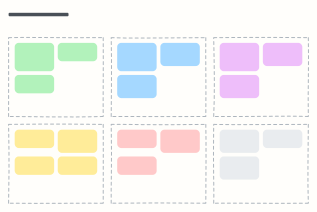 Campaign plan
One page for a marketing campaign: goal, audience, message, channels, budget and how you'll measure it.
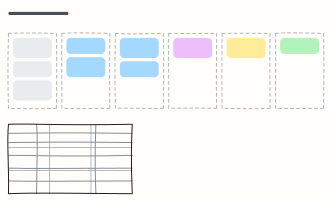 Sales pipeline
Deals moving from lead to closed-won, one column per stage, with exit criteria for each stage.
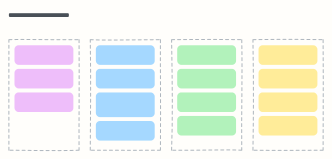 Feature launch checklist
Everything that has to happen before, on and after launch day, with an owner for each item.