Project management templates
The planning documents of a project, as boards: charters, timelines, responsibility matrices, risk registers and work breakdowns. Keeping them on one canvas makes it easier to see how scope, people and risks relate.
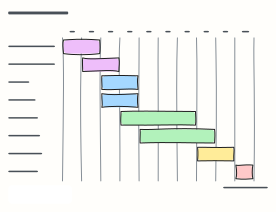 Gantt chart (project timeline)
Tasks as bars across ten weeks, coloured by phase, with the launch milestone — a quick project schedule.
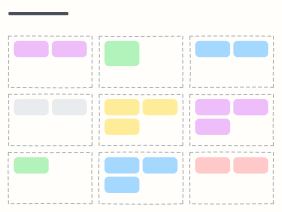 Project charter
Purpose, objectives, scope in and out, deliverables, milestones, budget, team and risks — the one page to approve a project.
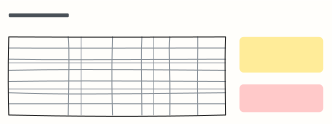 RACI matrix
Who is Responsible, Accountable, Consulted and Informed for each activity — ends the 'I thought you were doing it'.
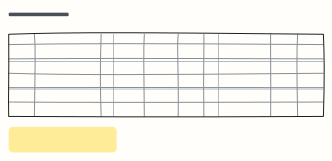 Risk register
Each risk with likelihood, impact, score, mitigation, owner and status, sorted so the biggest risks get attention.
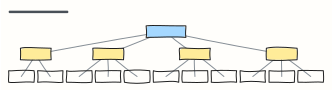 Work breakdown structure (WBS)
Break a project into phases and work packages small enough to estimate, assign and track.
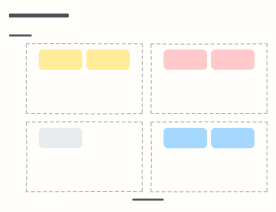 Stakeholder map (power / interest)
Place stakeholders by power and interest to decide who to manage closely, keep satisfied, keep informed or monitor.
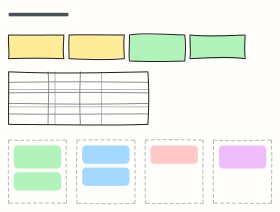 Project status report
A weekly RAG status: schedule, budget and scope at a glance, workstream status, highlights, risks and decisions needed.
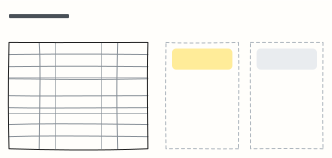 Project kickoff meeting
A 60-minute kickoff agenda with owners, plus space for questions, concerns and the parking lot.
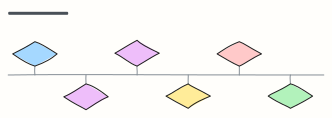 Milestone roadmap
Major milestones along a timeline with dates — the one picture for steering committees and status decks.
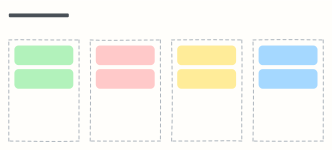 Lessons learned
A project post-mortem: what went well, what didn't, what we'd do differently, and recommendations for next time.
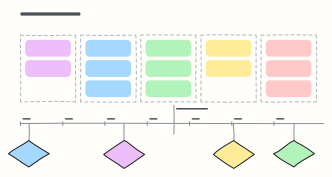 Project timeline
Phases with their deliverables over a month-by-month axis, key milestones and a today marker.
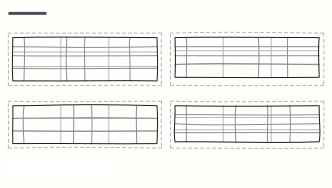 RAID log
Risks, assumptions, issues and dependencies in one log, each with an owner and a next step.
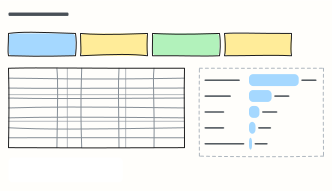 Project budget tracker
Budget, actuals, forecast and variance per cost category, with contingency and spend at a glance.
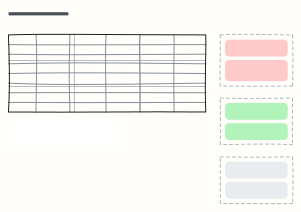 Resource allocation plan
Who works on what and how much, with over-allocated people flagged and the moves to rebalance them.
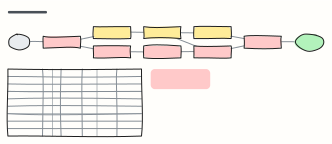 PERT chart (critical path)
Tasks as a network with durations, early start and finish, slack, and the critical path highlighted in red.
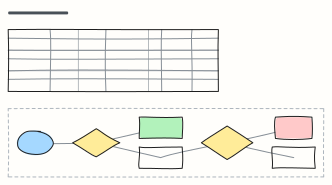 Project communication plan
Who hears what, through which channel, how often and from whom — plus the escalation path for problems.
 Project closure report
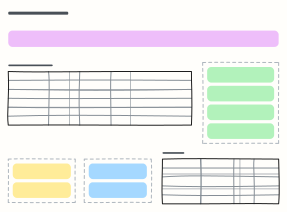
Close a project properly: planned vs actual, deliverables handed over, open items, lessons and sign-off.
When to use them
- Kicking off a project with shared scope and roles
- Tracking risks and milestones in one place
- Reporting status to stakeholders
Working on a project board in Kelvo
- Paste a table
- Paste comma- or tab-separated text and it becomes a table. Tab moves to the next cell and adds rows as you go.
- Add the next step with Tab
- Select a box and press Tab: a new box appears, already linked. Type its label and press Enter.
- Present it
- Frames become slides when you present, and the laser pointer helps you walk people through the board.
- Share it
- Save the board as a .kelvo file anyone can import. With a free account, export the page as PNG or SVG, or copy it as an image with ⌘⇧C.