Team health check template
Rate the team green, amber or red on the areas that matter, note the trend, and agree on actions.
Use this templateFree, opens in your browser. No sign-up.
What's on the board
- Top actions (owner, date)
- Cut 2 projects — Sam, by Fri · Pair with QA on releases — Ana · Learning day on the 20th — Ben
Table columns: Area, Healthy looks like, Rating, Trend, Action.
How to use this template
- Click Use this template. It opens in the Kelvo app as a new board, saved in your browser.
- Double-click any box to change its text. Replace the examples with your own content.
- Add the next step with Tab. Select a box and press Tab: a new box appears, already linked. Type its label and press Enter.
- Paste a table. Paste comma- or tab-separated text and it becomes a table. Tab moves to the next cell and adds rows as you go.
- Add notes fast. Press S for a sticky note in the middle of your view. A sticky is a box like any other: link it, recolour it, resize it.
Good for
- team health
- check-in
- engagement
- retro
- Planning a new hire's first three months
- Making hiring and promotion criteria explicit
- Seeing team structure and skills at a glance
Related templates
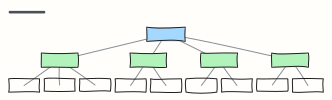 Org chart
A company org chart from CEO to teams — rename the boxes, Tab adds a report.
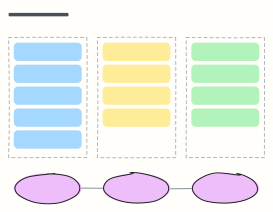 30-60-90 day plan
A new hire's first three months: learn, contribute, own — with a check-in at the end of each phase.
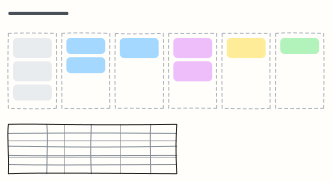 Hiring pipeline
Track candidates from sourcing to hire, one column per stage, with owners and time limits for each stage.
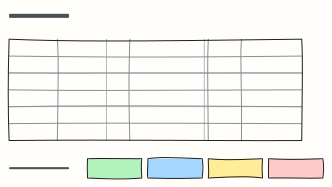 Interview scorecard
Score candidates on the same competencies with clear signals, questions and a 1–4 scale, then decide.
 Sprint retrospective
What went well, what could be better, and action items with an owner — the standard Scrum retro.
 Start, stop, continue
A quick, action-focused retrospective: what to start doing, stop doing, and keep doing.