LLM agent loop template
How a tool-using agent plans, calls tools, observes results and updates memory until the goal is met, with guardrails.
Use this templateFree, opens in your browser. No sign-up.
What's on the board
- Tools
- search_docs(query) · run_sql(query), read-only · create_ticket(title, body) · http_get(url) on an allow-list
- Memory
- Short-term: conversation + scratchpad · Long-term: vector store of past tasks · Summarize when context is 80% full
- Guardrails
- Max 15 steps or $0.50 per task · Human approval before any write action · Trace every tool call and result
Also on the board
- User goal
- LLM: plan the next step from goal + memory
- Goal met?
- Final answer to the user
- Pick a tool + arguments (tool call)
- Run the tool (sandboxed)
- Observe result or error
- Update memory / scratchpad
How to use this template
- Click Use this template. It opens in the Kelvo app as a new board, saved in your browser.
- Double-click any box to change its text. Replace the examples with your own content.
- Sketch, then convert. Draw boxes and arrows with the pen, select the strokes and click Convert sketch: they become real boxes and links.
- Ask Kelvo right on the board (Pro). With Pro, type @kelvo and what you want in any box or text, for example “@kelvo add error handling”, and press Enter. The change is made there and the request disappears; ⌘Z undoes it.
- Keep the prompt next to the diagram. Add a code block from the Insert (+) menu for prompts, schemas or config, right beside the boxes they belong to.
Good for
- ai
- llm
- agents
- tool calling
- architecture
- Explaining an LLM feature's architecture to engineers and stakeholders
- Deciding between prompting, retrieval and fine-tuning
- Planning evaluations and risks before launch
Related templates
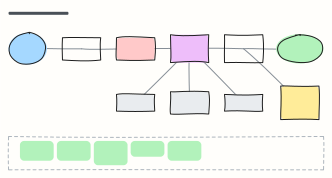 LLM application architecture
Production building blocks around a model: gateway, guardrails, orchestrator, cache, vector DB, tools and observability.
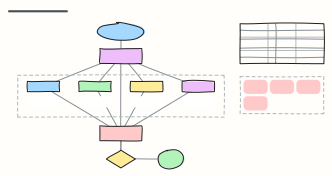 Multi-agent orchestration
An orchestrator agent splits a goal across specialist agents with their own tools, then a reviewer agent checks the result.
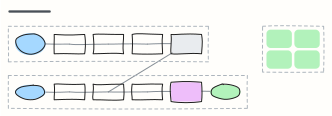 RAG pipeline
Retrieval-augmented generation end to end: ingest and embed documents offline, then retrieve, rerank and answer with citations.
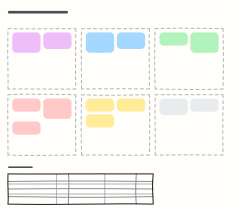 Prompt design canvas
Design a production prompt piece by piece — role, context, task, constraints, examples, output format — plus test cases.
 AWS three-tier web app
A highly available web app on AWS: DNS and CDN, load balancer, auto-scaled app servers and Multi-AZ database in a VPC.
 C4 system context diagram
C4 level 1: the system in scope, the people who use it and the external systems it depends on, with a legend.
All ai and machine learning diagram templates · All templates