Non-functional requirements template
Measurable quality attributes — availability, performance, security, recovery and more — with how each is verified.
Use this templateFree, opens in your browser. No sign-up.
What's on the board
- Trade-offs to discuss
- Availability vs cost (multi-AZ or multi-region?) · Consistency vs latency for reads · Security controls vs developer speed
Table columns: Quality attribute, Requirement (measurable), How we verify, Priority.
How to use this template
- Click Use this template. It opens in the Kelvo app as a new board, saved in your browser.
- Double-click any box to change its text. Replace the examples with your own content.
- Sketch, then convert. Draw boxes and arrows with the pen, select the strokes and click Convert sketch: they become real boxes and links.
- Ask Kelvo right on the board (Pro). With Pro, type @kelvo and what you want in any box or text, for example “@kelvo add error handling”, and press Enter. The change is made there and the request disappears; ⌘Z undoes it.
- One page per level. Put the C4 context view on one page and the container view on the next, so each diagram stays readable.
Good for
- architect
- nfr
- quality attributes
- requirements
- Agreeing on boundaries and responsibilities between services
- Recording why a design was chosen (and what was rejected)
- Comparing integration options side by side
Related templates
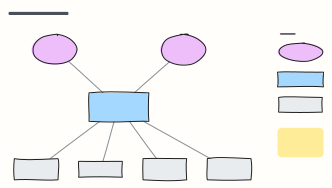 C4 system context diagram
C4 level 1: the system in scope, the people who use it and the external systems it depends on, with a legend.
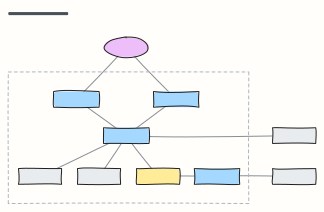 C4 container diagram
C4 level 2: the apps, APIs, databases and queues inside the system boundary, with the technology on each link.
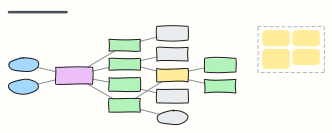 Microservices with API gateway
Clients behind an API gateway, services that each own their database, and an event bus for asynchronous work.
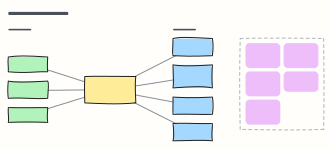 Event-driven architecture
Producers publish facts to a broker; independent consumers react — with the design rules that keep it reliable.
 LLM application architecture
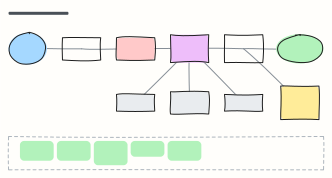
Production building blocks around a model: gateway, guardrails, orchestrator, cache, vector DB, tools and observability.
 UML use case diagram
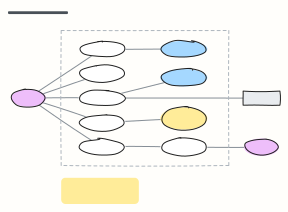
Actors, the system boundary and the use cases they take part in, with «include» and «extend» relationships.