Rose, thorn, bud template
Reflect on a project or experience by sorting what went well, what hurt, and what could grow into something more.
Use this templateFree, opens in your browser. No sign-up.
What's on the board
- Rose · what went well
- Launched on the planned date · App Store rating 4.7 in week 1 · Design and engineering paired daily · Beta testers found 40 bugs early
- Thorn · what hurt
- Android build broke twice in the last week · Release notes written the night before · Support wasn't briefed on new features
- Bud · what could grow
- Beta group could become a user panel · Pairing could spread to the web team · Push notifications drove 30% of sessions
- Next steps
- Android release checklist (Tom) · Brief support 1 week before launch · Invite 50 beta testers to a panel
Also on the board
- Looking back at: the Q3 launch of our mobile app
How to use this template
- Click Use this template. It opens in the Kelvo app as a new board, saved in your browser.
- Double-click any box to change its text. Replace the examples with your own content.
- Grow branches. On a mind map, Tab adds a branch and ⌘↵ adds a sibling. Branches arrange themselves on both sides of the centre.
- Add notes fast. Press S for a sticky note in the middle of your view. A sticky is a box like any other: link it, recolour it, resize it.
- Let Smart Assist draft the next step. Turn on Suggest, finish a label and pause: the next steps appear as dashed ghosts. Tab keeps them, Esc dismisses them.
Good for
- rose thorn bud
- retrospective
- reflection
- design thinking
- Getting many ideas out quickly, then grouping them
- Reframing a problem before jumping to solutions
- Choosing which ideas to pursue
Related templates
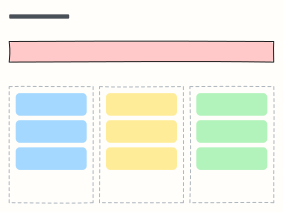 How might we
Turn research insights into “How might we…” questions, then into ideas worth testing.
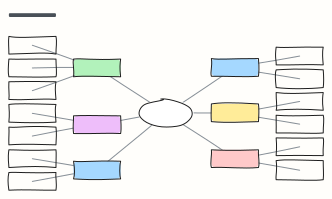 Mind map
A balanced mind map that keeps arranging itself as you add branches (Tab adds a branch).
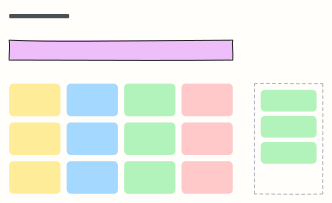 Brainstorm board
One question, a wall of idea stickies, and a spot for the top picks after dot voting.
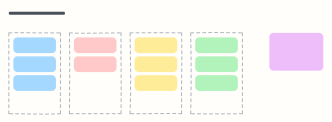 Affinity map
Cluster research notes or ideas into themes, then name each group and spot patterns.
 Sprint retrospective
What went well, what could be better, and action items with an owner — the standard Scrum retro.
 Start, stop, continue
A quick, action-focused retrospective: what to start doing, stop doing, and keep doing.