Mind map template
A balanced mind map that keeps arranging itself as you add branches (Tab adds a branch).
Use this templateFree, opens in your browser. No sign-up.
What's on the board
- Product Hunt
- Early adopters
- Audience
- Newsletter
- Channels
- Small teams
- Partners
- Main promise
- Product launch
- Message
- Beta in May
- Proof points
- Timeline
- Launch in June
- Server load
- Sign-ups
- Risks
- Pricing pushback
- Metrics
- Activation
How to use this template
- Click Use this template. It opens in the Kelvo app as a new board, saved in your browser.
- Double-click any box to change its text. Replace the examples with your own content.
- Grow branches. On a mind map, Tab adds a branch and ⌘↵ adds a sibling. Branches arrange themselves on both sides of the centre.
- Add notes fast. Press S for a sticky note in the middle of your view. A sticky is a box like any other: link it, recolour it, resize it.
- Let Smart Assist draft the next step. Turn on Suggest, finish a label and pause: the next steps appear as dashed ghosts. Tab keeps them, Esc dismisses them.
Good for
- mind map
- brainstorm
- ideas
- planning
- Getting many ideas out quickly, then grouping them
- Reframing a problem before jumping to solutions
- Choosing which ideas to pursue
Related templates
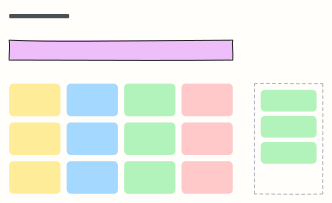 Brainstorm board
One question, a wall of idea stickies, and a spot for the top picks after dot voting.
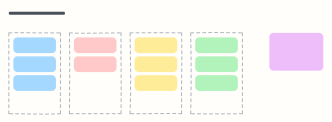 Affinity map
Cluster research notes or ideas into themes, then name each group and spot patterns.
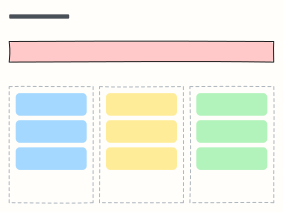 How might we
Turn research insights into “How might we…” questions, then into ideas worth testing.
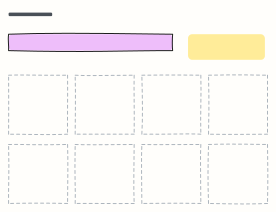 Crazy 8s
Sketch eight different ideas in eight minutes, one per frame, to get past the obvious first idea.
 Solution architecture canvas
Frame a solution on one page: goals, stakeholders, scope, qualities, constraints, integrations, decisions, risks and roadmap.
 Tech debt prioritization
Sort tech debt by impact and effort so the team fixes quick wins first and plans the big ones.