Usability test plan & results template
Plan a 5-user usability test, then log task success and the top issues in the same place.
Use this templateFree, opens in your browser. No sign-up.
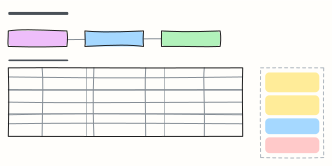
What's on the board
Table 1 columns: Plan.
Table 2 columns: Task, P1, P2, P3, P4, P5, Success.
- Export is hidden in the ⋯ menu: 4 of 5 missed it
- “Project” vs “Workspace” confused 2 people
- Next: move Export to the toolbar, retest with 3 users
How to use this template
- Click Use this template. It opens in the Kelvo app as a new board, saved in your browser.
- Double-click any box to change its text. Replace the examples with your own content.
- Sketch, then convert. Draw boxes and arrows with the pen, select the strokes and click Convert sketch: they become real boxes and links.
- Add notes fast. Press S for a sticky note in the middle of your view. A sticky is a box like any other: link it, recolour it, resize it.
- Link by dragging. Hover a box and drag one of its dots onto another box. The whole box is the target, and links stay attached when you move things.
Good for
- usability testing
- user research
- test plan
- ux
- Synthesising research into personas and journeys
- Mapping a user flow before designing screens
- Planning and reporting a usability test
Related templates
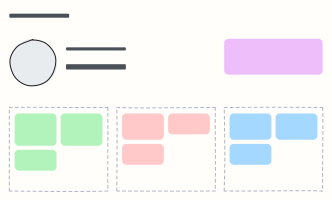 User persona
A one-page portrait of a key user: who they are, what they want, what gets in their way.
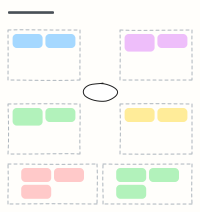 Empathy map
Capture what a user says, thinks, does and feels, plus their pains and gains, after interviews.
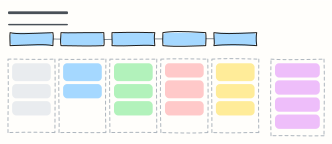 User interview guide
A 45-minute discussion guide: intro, warm-up, core questions and wrap-up, with reminders for the interviewer.
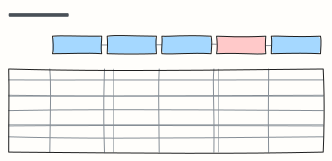 Customer journey map
Follow a customer through each stage: what they do, where, what they think and feel, and where to improve.
 HEART metrics framework
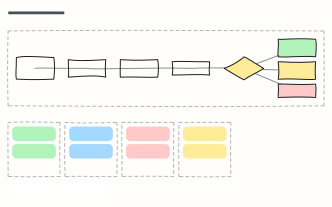
Google's HEART framework for UX metrics: goals, signals and metrics for happiness, engagement, adoption, retention and task success.
 Design review
A 45-minute design critique: context, walkthrough, silent feedback, discussion and a clear build decision.