Service blueprint template
Map what the customer does, what staff do in front of and behind the scenes, and the systems that support each step.
Use this templateFree, opens in your browser. No sign-up.
What's on the board
- Physical evidence
- Booking page, confirmation email · Reception desk, key tag · Text with photos and a quote · Approval link · Invoice, washed car
- Customer actions
- Finds the garage and books online · Drops the car off at 8 am · Gets a text: brake pads worn · Approves the extra work · Picks up the car and pays
- Frontstage · what the customer sees
- Advisor explains the work, takes payment · Online booking widget · Service advisor checks the car in · Advisor sends photos and a quote · One-tap approval page
- Backstage · hidden from the customer
- Slot reserved in the workshop plan · Mechanic inspects, logs issues · Parts availability checked · Mechanic fits the new pads · Car washed, invoice created
- Support processes
- Booking system · Workshop planner · Parts supplier API · Parts stock · Payment terminal, CRM
Also on the board
- Line of interaction
- Line of visibility
- Line of internal interaction
How to use this template
- Click Use this template. It opens in the Kelvo app as a new board, saved in your browser.
- Double-click any box to change its text. Replace the examples with your own content.
- Sketch, then convert. Draw boxes and arrows with the pen, select the strokes and click Convert sketch: they become real boxes and links.
- Add notes fast. Press S for a sticky note in the middle of your view. A sticky is a box like any other: link it, recolour it, resize it.
- Link by dragging. Hover a box and drag one of its dots onto another box. The whole box is the target, and links stay attached when you move things.
Good for
- service blueprint
- service design
- customer experience
- swimlane
- Synthesising research into personas and journeys
- Mapping a user flow before designing screens
- Planning and reporting a usability test
Related templates
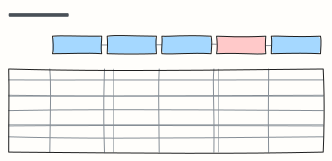 Customer journey map
Follow a customer through each stage: what they do, where, what they think and feel, and where to improve.
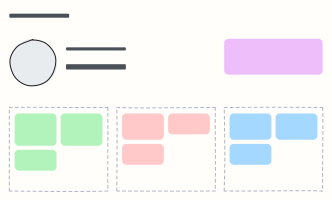 User persona
A one-page portrait of a key user: who they are, what they want, what gets in their way.
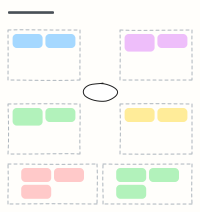 Empathy map
Capture what a user says, thinks, does and feels, plus their pains and gains, after interviews.
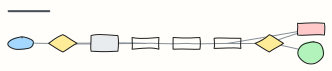 Checkout user flow
Every screen and decision from cart to order confirmation, including guest checkout and payment errors.
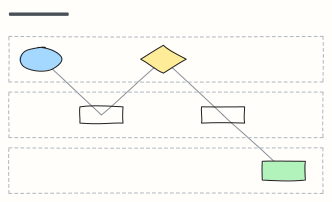 Swimlane process
Who does what: one lane per team, with hand-offs between Customer, Sales, and Operations.
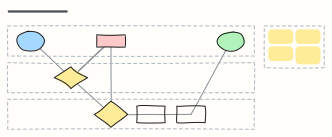 Expense reimbursement
An expense claim across Employee, Manager and Finance lanes: approval, receipt checks, rework and payout.