Business Model Canvas template
Describe how your business creates, delivers and captures value on one page, in the nine classic blocks.
Use this templateFree, opens in your browser. No sign-up.
What's on the board
- Key partners
- Who helps us deliver? Which suppliers? · e.g. local farms, couriers
- Key activities
- What must we do well every day? · e.g. recipe design, packing
- Value propositions
- What problem do we solve, for whom? · e.g. healthy dinner in 20 min, no shopping · Why us instead of others?
- Customer relationships
- How do we win and keep customers? · e.g. self-serve app, chat support
- Customer segments
- Who are our most important customers? · e.g. busy parents · e.g. young professionals
- Key resources
- What assets make it work? · e.g. kitchen, app, brand
- Channels
- How do we reach and deliver? · e.g. Instagram ads, home delivery
- Cost structure
- Biggest costs? · Ingredients & packaging · Delivery · Marketing
- Revenue streams
- What do customers pay for, and how? · Weekly subscription · Add-ons (desserts)
How to use this template
- Click Use this template. It opens in the Kelvo app as a new board, saved in your browser.
- Double-click any box to change its text. Replace the examples with your own content.
- Add notes fast. Press S for a sticky note in the middle of your view. A sticky is a box like any other: link it, recolour it, resize it.
- Paste a table. Paste comma- or tab-separated text and it becomes a table. Tab moves to the next cell and adds rows as you go.
- Present it. Frames become slides when you present, and the laser pointer helps you walk people through the board.
Good for
- business model
- canvas
- startup
- strategy
- Preparing a strategy offsite or planning cycle
- Testing a new business or product idea
- Making a decision with explicit criteria
Related templates
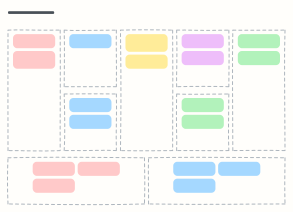 Lean Canvas
A one-page startup plan focused on problems, solutions, metrics and an unfair advantage.
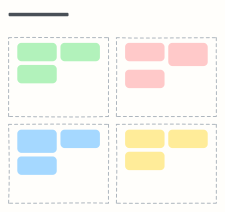 SWOT analysis
Map internal strengths and weaknesses against external opportunities and threats before you plan.
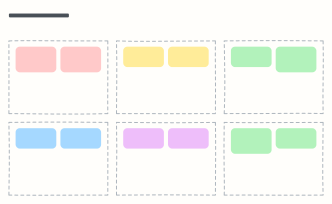 PESTLE analysis
Scan the Political, Economic, Social, Technological, Legal and Environmental forces around your market.
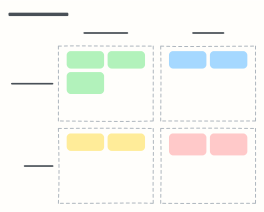 Ansoff growth matrix
Choose a growth strategy by pairing existing or new products with existing or new markets.
 AI use-case canvas
Assess an AI opportunity on one page: problem, users, data, approach, value, risks and the smallest pilot.
 Prompt design canvas
Design a production prompt piece by piece — role, context, task, constraints, examples, output format — plus test cases.