AI use-case canvas template
Assess an AI opportunity on one page: problem, users, data, approach, value, risks and the smallest pilot.
Use this templateFree, opens in your browser. No sign-up.
What's on the board
- Problem
- Which task is slow, costly or error-prone today? · Who feels the pain, and how often?
- Users & workflow
- Who uses the output, in which tool and step? · Human in the loop or automated?
- Data
- What data exists? Labeled? How much? · Access, privacy, retention limits
- AI approach
- Prompting, RAG, fine-tuning or classic ML? · Buy an API or host a model?
- Success metrics
- Business KPI, e.g. handle time −30% · Quality bar: ≥ 90% on an eval set
- Value
- Hours or $ saved per month · Revenue or retention upside
- Risks & ethics
- What if it's wrong? Who is harmed? · Bias, privacy, IP, regulation (EU AI Act)
- Feasibility
- Data ready? Skills? Integration effort? · Cost per request at expected volume
- Pilot & next step
- Smallest pilot in 4–6 weeks · Go / no-go criteria
How to use this template
- Click Use this template. It opens in the Kelvo app as a new board, saved in your browser.
- Double-click any box to change its text. Replace the examples with your own content.
- Sketch, then convert. Draw boxes and arrows with the pen, select the strokes and click Convert sketch: they become real boxes and links.
- Ask Kelvo right on the board (Pro). With Pro, type @kelvo and what you want in any box or text, for example “@kelvo add error handling”, and press Enter. The change is made there and the request disappears; ⌘Z undoes it.
- Keep the prompt next to the diagram. Add a code block from the Insert (+) menu for prompts, schemas or config, right beside the boxes they belong to.
Good for
- ai
- strategy
- product
- canvas
- opportunity
- Explaining an LLM feature's architecture to engineers and stakeholders
- Deciding between prompting, retrieval and fine-tuning
- Planning evaluations and risks before launch
Related templates
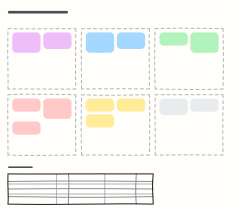 Prompt design canvas
Design a production prompt piece by piece — role, context, task, constraints, examples, output format — plus test cases.
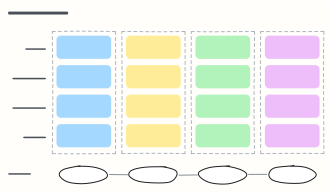 AI adoption roadmap
A four-quarter plan for bringing AI into a company: use cases, data and platform, people and skills, and governance per phase.
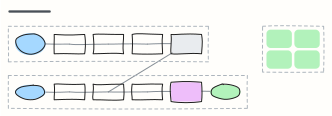 RAG pipeline
Retrieval-augmented generation end to end: ingest and embed documents offline, then retrieve, rerank and answer with citations.
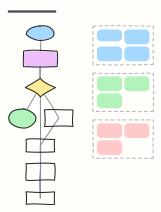 LLM agent loop
How a tool-using agent plans, calls tools, observes results and updates memory until the goal is met, with guardrails.
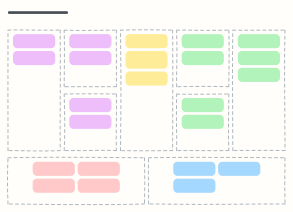 Business Model Canvas
Describe how your business creates, delivers and captures value on one page, in the nine classic blocks.
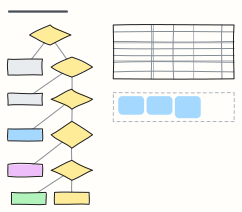 Cloud migration: the 6 Rs
Decide how to move each application to the cloud — retire, retain, repurchase, rehost, replatform or refactor — and plan the waves.
All ai and machine learning diagram templates · All templates