UML activity diagram template
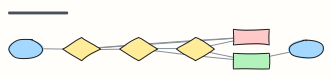
An order's activity flow across Customer, Store and Warehouse partitions, with a decision, a fork and a join.
Use this templateFree, opens in your browser. No sign-up.
What's on the board
- Customer
- start · Place order · Join the restock waitlist · end · Receive parcel
- Online store
- All items in stock? · Charge card
- Warehouse
- Pick and pack items · Ship + email tracking
Also on the board
- Rounded box = action · diamond = decision · grey bar = fork / join · grey ellipse =…
- Fork: payment and picking run in parallel
- Join: wait for both
How to use this template
- Click Use this template. It opens in the Kelvo app as a new board, saved in your browser.
- Double-click any box to change its text. Replace the examples with your own content.
- Paste a table. Paste comma- or tab-separated text and it becomes a table. Tab moves to the next cell and adds rows as you go.
- Paste code as code. Paste a snippet and it becomes a code block with syntax colouring; Tab indents inside it.
- Link by dragging. Hover a box and drag one of its dots onto another box. The whole box is the target, and links stay attached when you move things.
Good for
- uml
- activity diagram
- workflow
- swimlane
- engineer
- Designing a schema or an API before writing it
- Explaining a tricky flow in a code review or design doc
- Agreeing on team conventions such as branching and reviews
Related templates
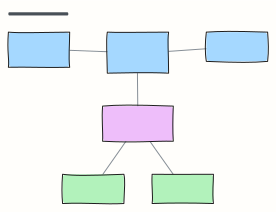 UML class diagram
Classes with fields and methods, associations with multiplicity, and an interface with two implementations.
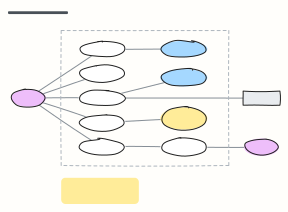 UML use case diagram
Actors, the system boundary and the use cases they take part in, with «include» and «extend» relationships.
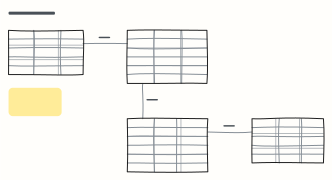 ER diagram (database schema)
Entities as tables with columns, types and keys, joined by one-to-many relationships — sketch a schema before the migration.
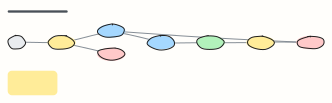 State machine
Every state an order can be in and the events that move it — the source of truth for status logic and tests.
 Approval workflow
A request moves through manager and finance approval, with rejection and rework loops.
 Content publishing workflow
Idea to published post: draft, edit, review, schedule, promote, with a revision loop.