Sales battlecard template
Everything a rep needs against one competitor: quick facts, where you win and lose, landmine questions and objection answers.
Use this templateFree, opens in your browser. No sign-up.
What's on the board
- Why we win
- Multi-entity close in one place · Approval workflows built in · Named onboarding manager
- Where they're strong
- Lower sticker price · Large accountant network · Simple for one user
- Landmine questions to ask
- How many entities will you close each month? · Who approves bills over $5k today? · What happens when your bookkeeper is out?
Table 1 columns: Quick facts, Ledgerly (us), BrightBooks.
Table 2 columns: Objection, How to respond, Proof.
How to use this template
- Click Use this template. It opens in the Kelvo app as a new board, saved in your browser.
- Double-click any box to change its text. Replace the examples with your own content.
- Paste a table. Paste comma- or tab-separated text and it becomes a table. Tab moves to the next cell and adds rows as you go.
- Add notes fast. Press S for a sticky note in the middle of your view. A sticky is a box like any other: link it, recolour it, resize it.
- Add the next step with Tab. Select a box and press Tab: a new box appears, already linked. Type its label and press Enter.
Good for
- battlecard
- sales enablement
- competitors
- objection handling
- Planning a launch or campaign end to end
- Aligning sales and marketing on who the customer is
- Reviewing the funnel to find the weakest step
Related templates
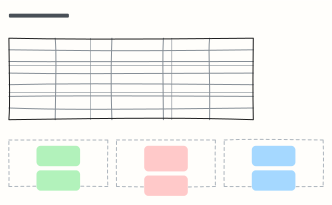 Competitor analysis
Compare competitors side by side on customer, price, strengths and weaknesses, then mark where you win.
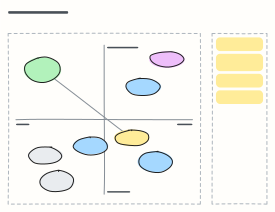 Perceptual positioning map
Plot competitors on the two attributes buyers care about most, find the white space and decide where you want to move.
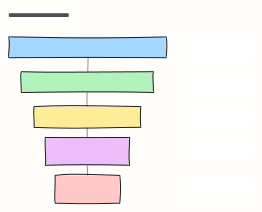 Marketing funnel (AARRR)
The pirate-metrics funnel: Acquisition, Activation, Retention, Referral, Revenue, each with the metric to watch.
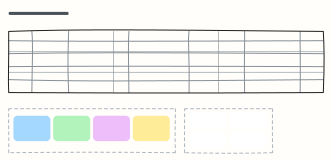 Content calendar
Plan a month of content across blog, newsletter and social, with themes, owners and content pillars.
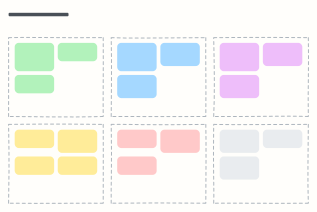 Campaign plan
One page for a marketing campaign: goal, audience, message, channels, budget and how you'll measure it.
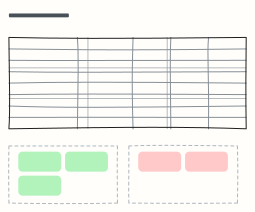 Competitive analysis
Compare your product against competitors feature by feature, then write down where you win and where you lose.