Prompting vs RAG vs fine-tuning template
A decision tree for choosing prompt engineering, RAG, fine-tuning or an agent, with a cost and speed comparison.
Use this templateFree, opens in your browser. No sign-up.
What's on the board
Table columns: Approach, Setup cost, Time to ship, Fresh knowledge.
- Good results with a good prompt?
- Prompt engineering + few-shot examples. Ship in days.
- Needs private or fresh knowledge?
- Start with prompting + an eval set; add RAG or fine-tuning only when evals show the gap.
- They combine: RAG over a fine-tuned small model is common.
- Needs a narrow skill or format at scale?
- RAG: retrieve your docs at query time
- Must take multi-step actions?
- Fine-tune (e.g. LoRA) on 1k+ good examples
- Agent with tool calling + guardrails
- Rethink the task or use classic ML
How to use this template
- Click Use this template. It opens in the Kelvo app as a new board, saved in your browser.
- Double-click any box to change its text. Replace the examples with your own content.
- Sketch, then convert. Draw boxes and arrows with the pen, select the strokes and click Convert sketch: they become real boxes and links.
- Ask Kelvo right on the board (Pro). With Pro, type @kelvo and what you want in any box or text, for example “@kelvo add error handling”, and press Enter. The change is made there and the request disappears; ⌘Z undoes it.
- Keep the prompt next to the diagram. Add a code block from the Insert (+) menu for prompts, schemas or config, right beside the boxes they belong to.
Good for
- ai
- llm
- rag
- fine-tuning
- decision
- Explaining an LLM feature's architecture to engineers and stakeholders
- Deciding between prompting, retrieval and fine-tuning
- Planning evaluations and risks before launch
Related templates
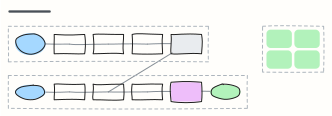 RAG pipeline
Retrieval-augmented generation end to end: ingest and embed documents offline, then retrieve, rerank and answer with citations.
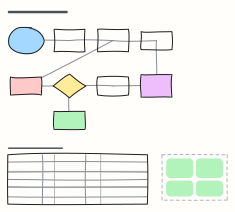 LLM fine-tuning workflow
Fine-tune a model step by step: define the task, build a clean dataset, train a LoRA adapter, evaluate against the baseline and ship.
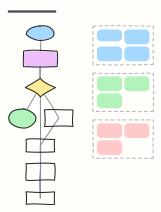 LLM agent loop
How a tool-using agent plans, calls tools, observes results and updates memory until the goal is met, with guardrails.
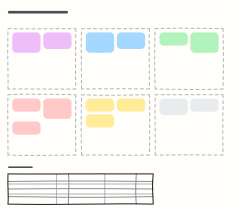 Prompt design canvas
Design a production prompt piece by piece — role, context, task, constraints, examples, output format — plus test cases.
 Basic flowchart
Start, steps, a decision with yes/no branches, and an end — the classic shape to build from.
 Architecture decision record (ADR)
Record one decision: status, context, the decision, consequences and the options you considered.
All ai and machine learning diagram templates · All templates